Plant photos · Care Journal
A refined tool for plant lovers
inflora

inflora

Every photo, every watering, fertilizing, and pruning of your plants, strung together into one timeline. Not sure whether to water or fertilize? Check how long it’s been.

inflorescence: noun. in a plant, a flower or group of flowers on the stem, or the way they are arranged; the forming of buds and flowers on a plant. — Cambridge Dictionary
inflora · My Plants

Why we don’t do watering reminders

Most plant-care apps compete to be your calendar and alarm. Watering on a fixed schedule is wrong in itself.
Whether a plant needs water is always your call — never the tool’s.

Watering depends on many factors

Season, weather, light, airflow, soil mix, species, pot material — many factors together decide when the soil dries out and the plant needs water. Take the same 7-day interval: a Monstera in summer is long overdue for water, while a cactus in winter may already be rotting at the roots. Complex problems have no simple answers.

What should a beginner do?

Watering every few days is a classic mistake, and overwatering is responsible for 90% of plant deaths. Learn about care and log every action. Observe often and keep your hands off — check how long it’s been since the last watering, then experiment boldly. So whether to water is up to you, not calendar or alarm reminders.
01

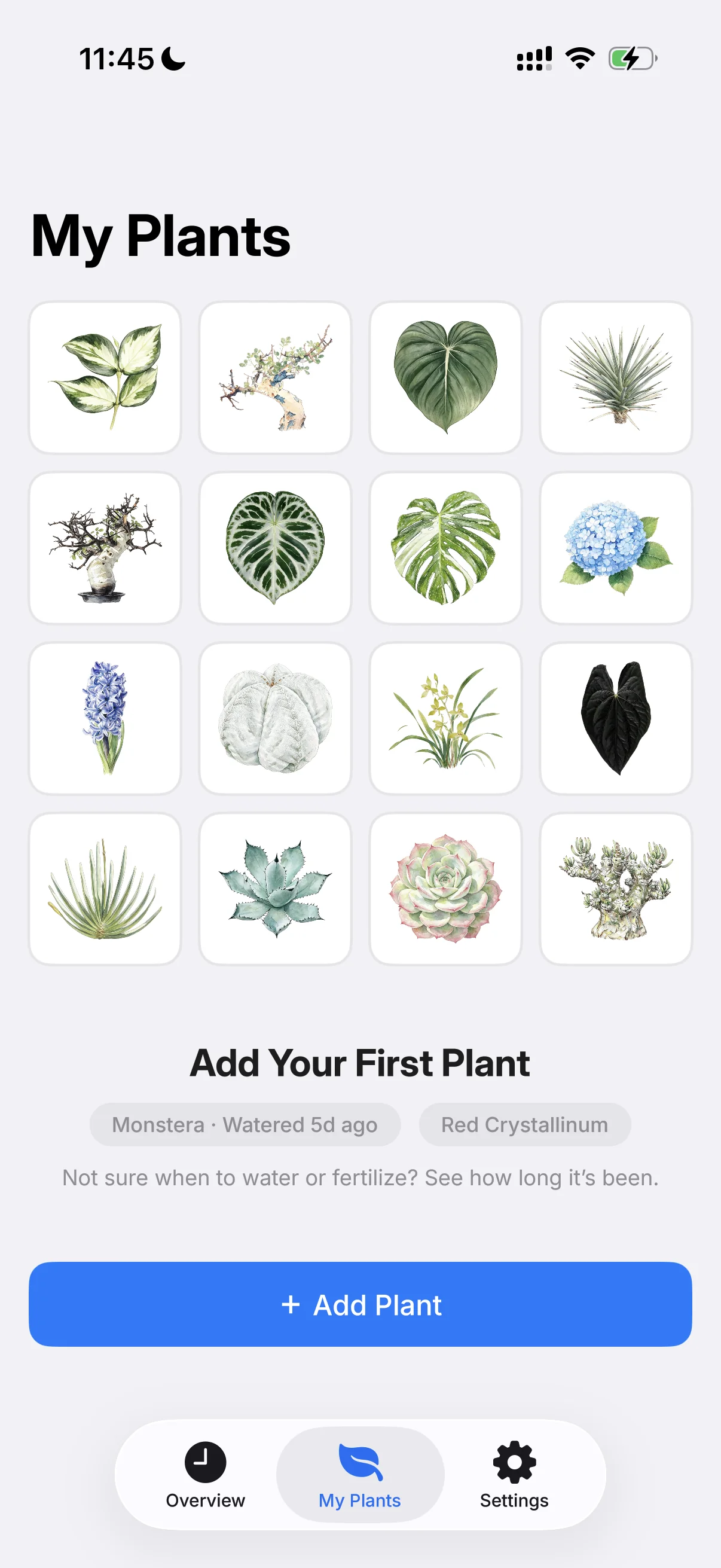
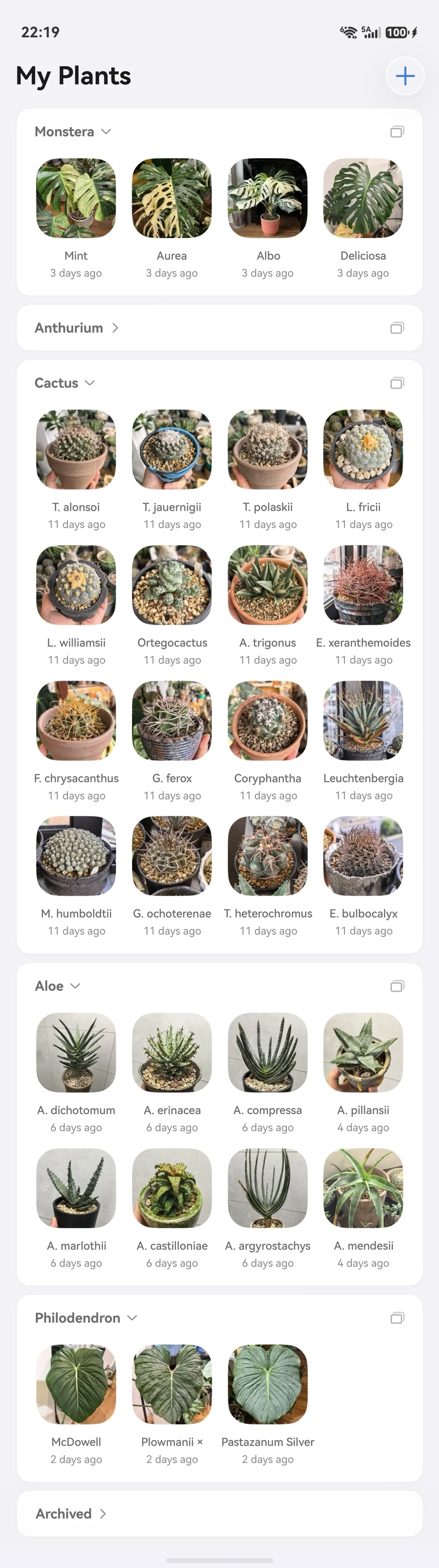
My Plants:
add every plant you love

My Plants
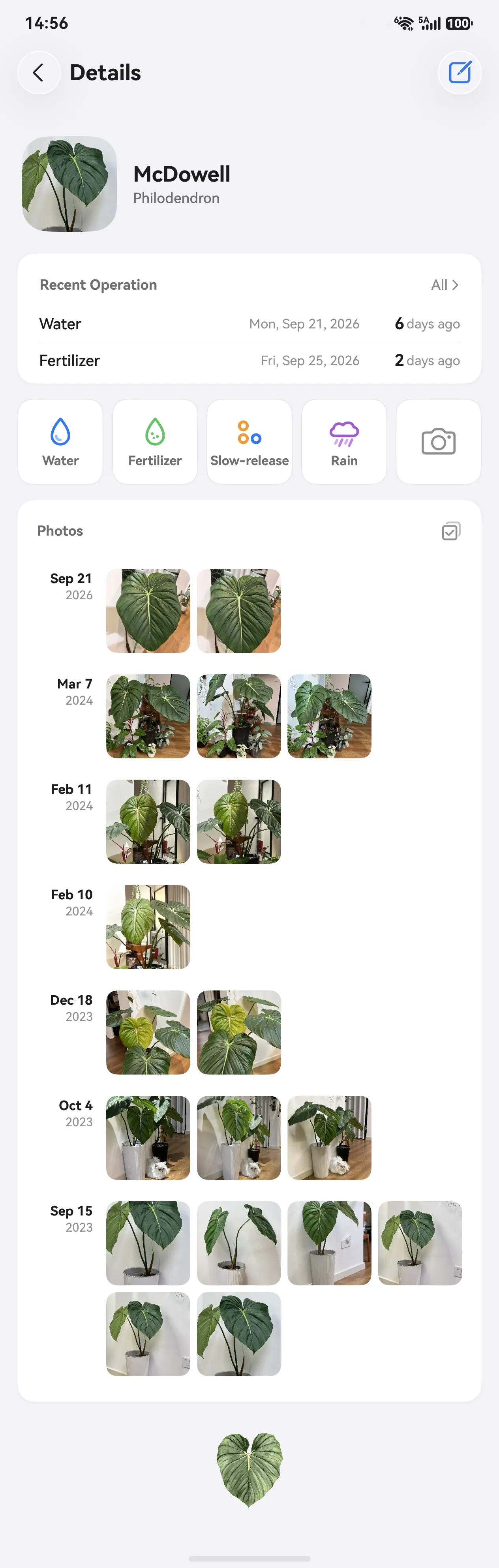
Plant detail
02

Plant Detail: every care action on one page

Watering, fertilizing, pruning, repotting — each logged separately. Flipping through one plant’s photos over time brings surprises and joy.

  • Care logWatering, fertilizing, pruning, repotting — each kept separately.
  • Photos by dateEvery photo lands on the day it was taken — no manual sorting.
  • Growth over timeFlip back a few weeks and compare side by side — new leaves jump right out.
  • Batch-import old photosImport old gallery photos in batches, auto-grouped by date taken.
03

Care Overview: last watering at a glance, by category

One card per category, sortable by longest-since-watered.
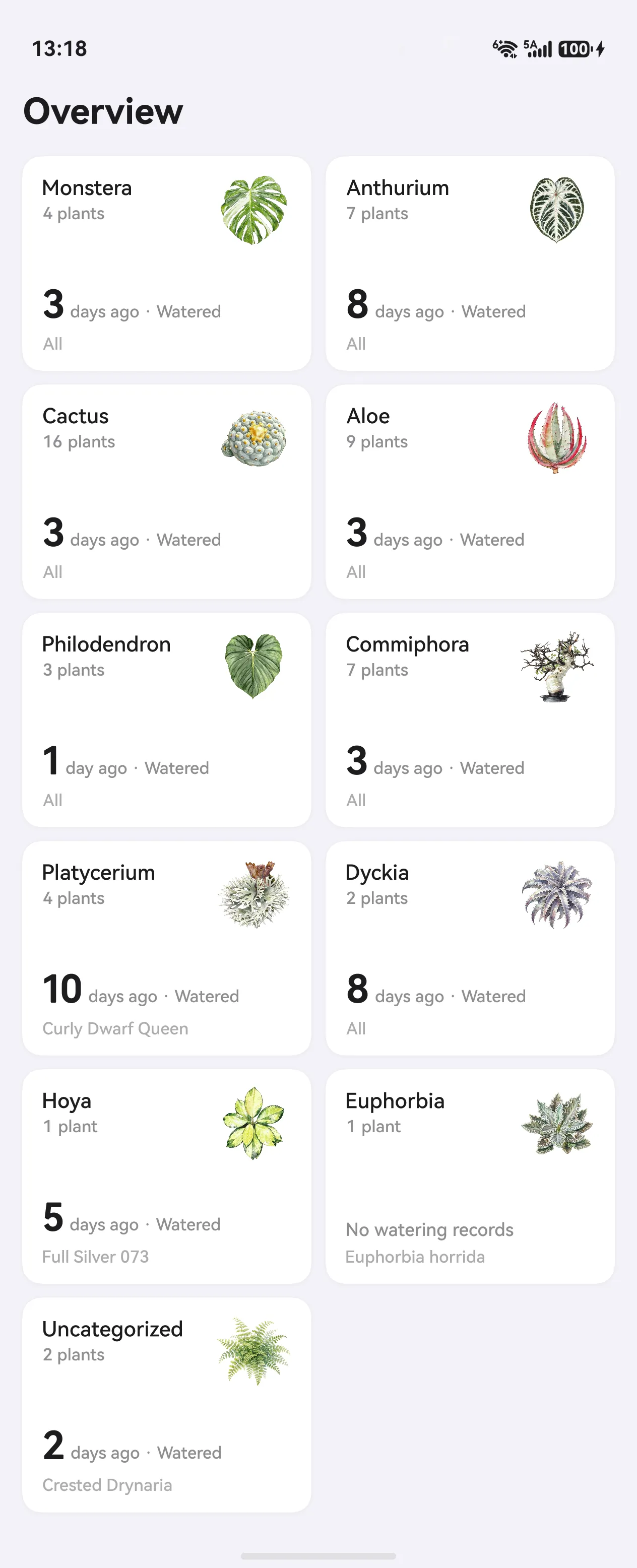
Care Overview
04

Custom categories, hand-drawn covers

Group as you see fit; choose a cover from 100+ hand-drawn illustrations.
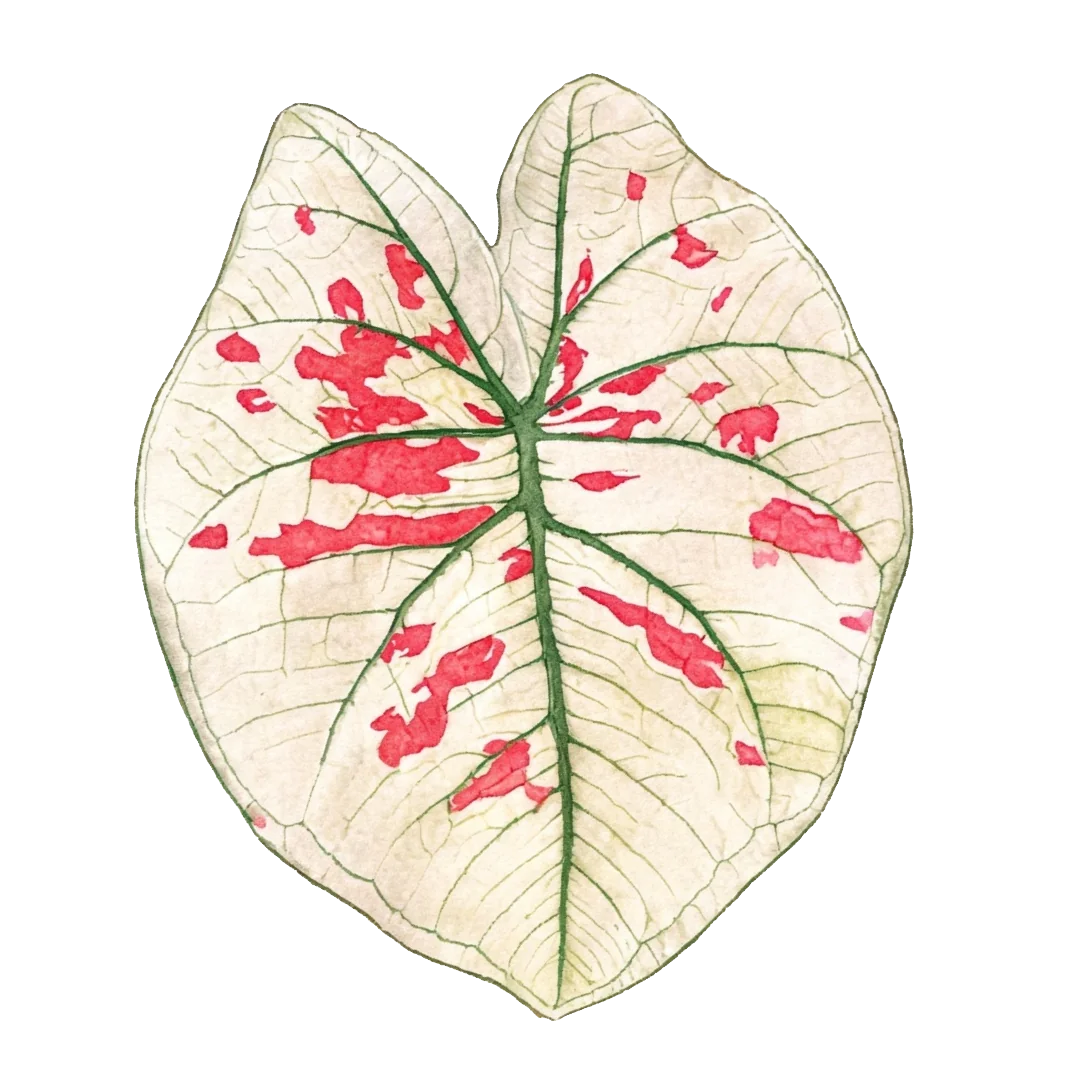
  • Fully customNo limit on categories; create and rename at any time.
  • Hand-drawn coversChoose any of 100+ hand-drawn illustrations as the cover.
  • No presetsGroup by habit of use, not botanical taxonomy.
Monstera deliciosa
Caladium
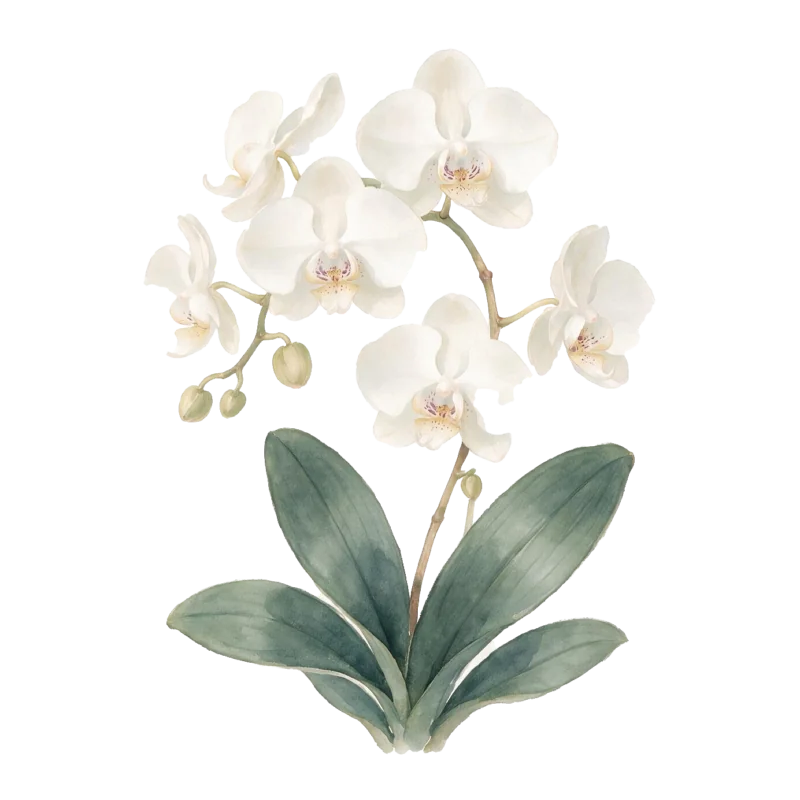
Phalaenopsis
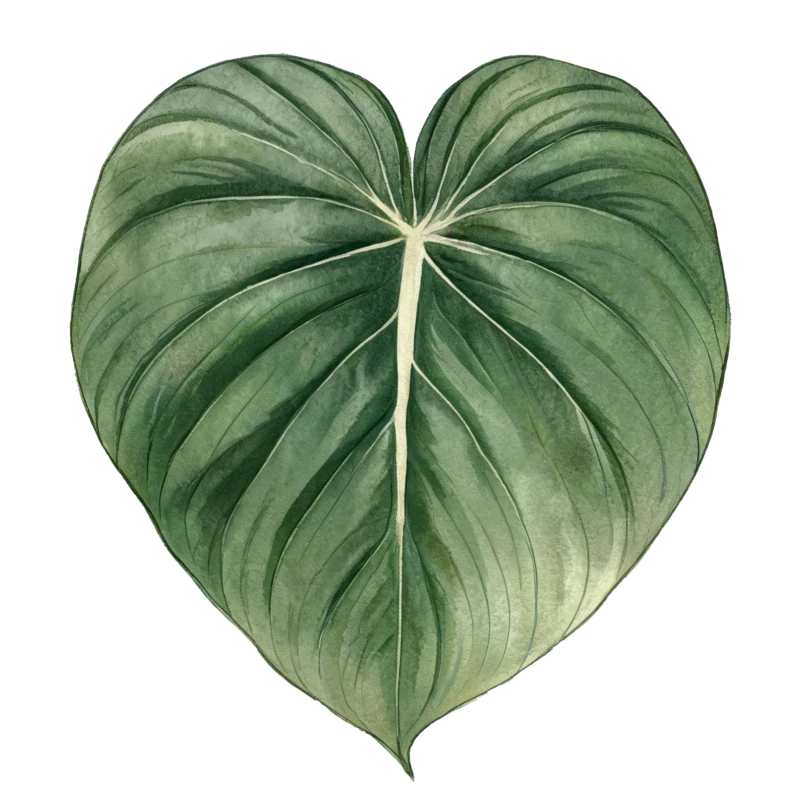
Philodendron ‘McDowell’
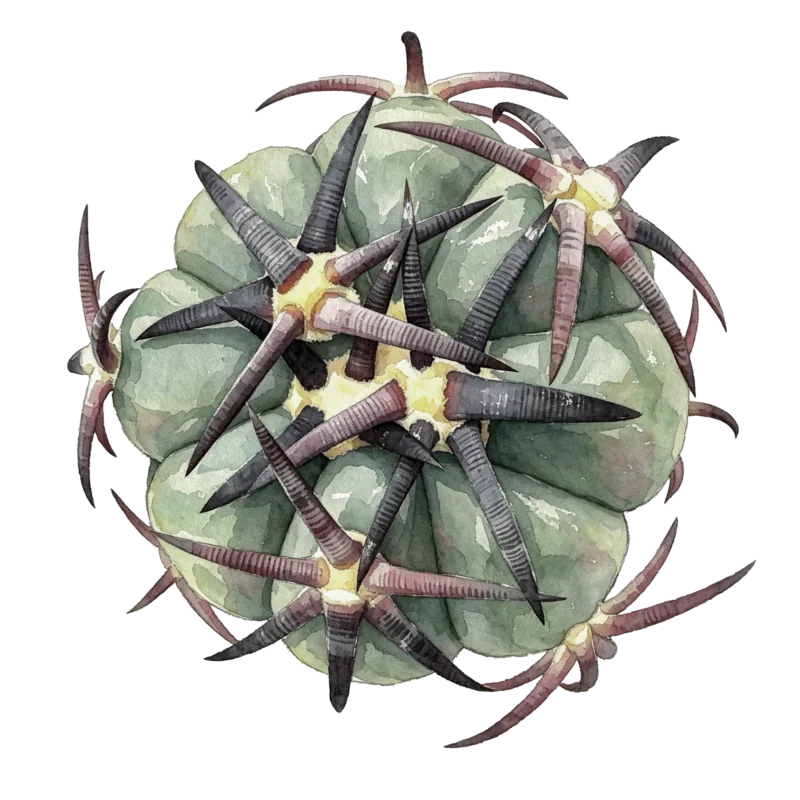
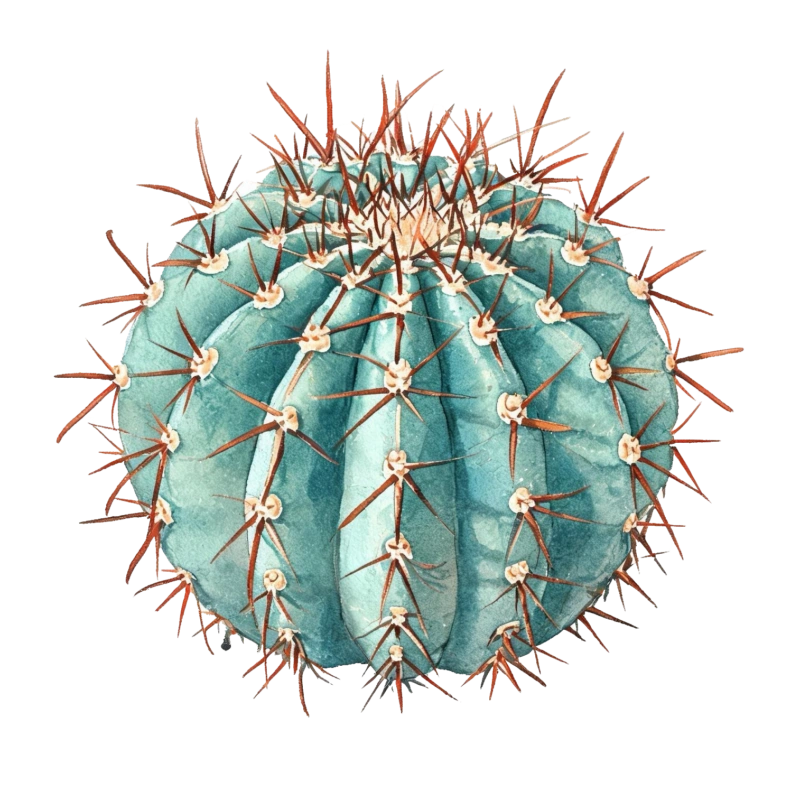
Ferocactus
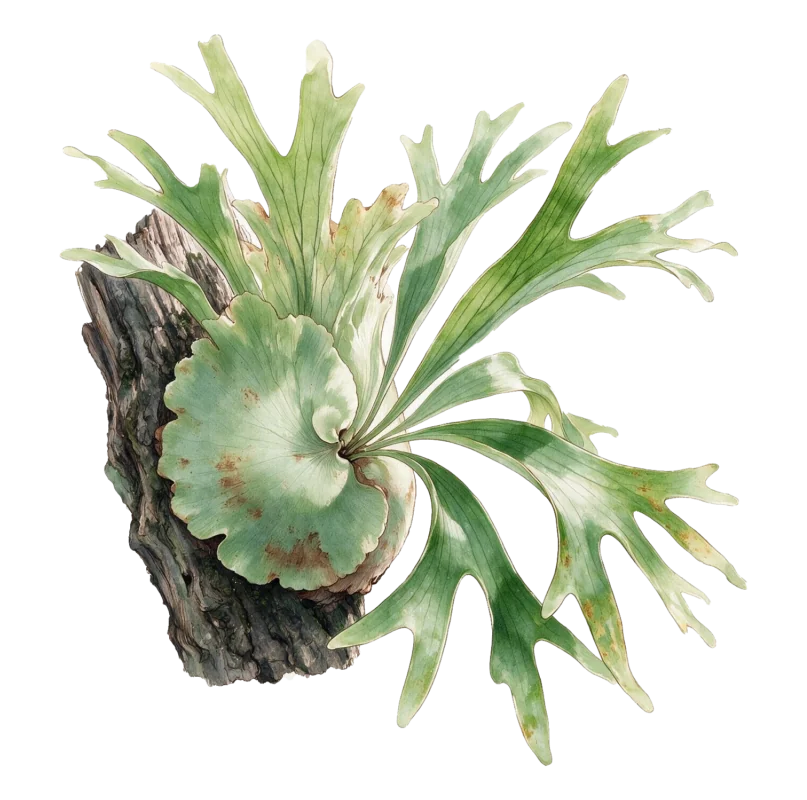
Staghorn fern
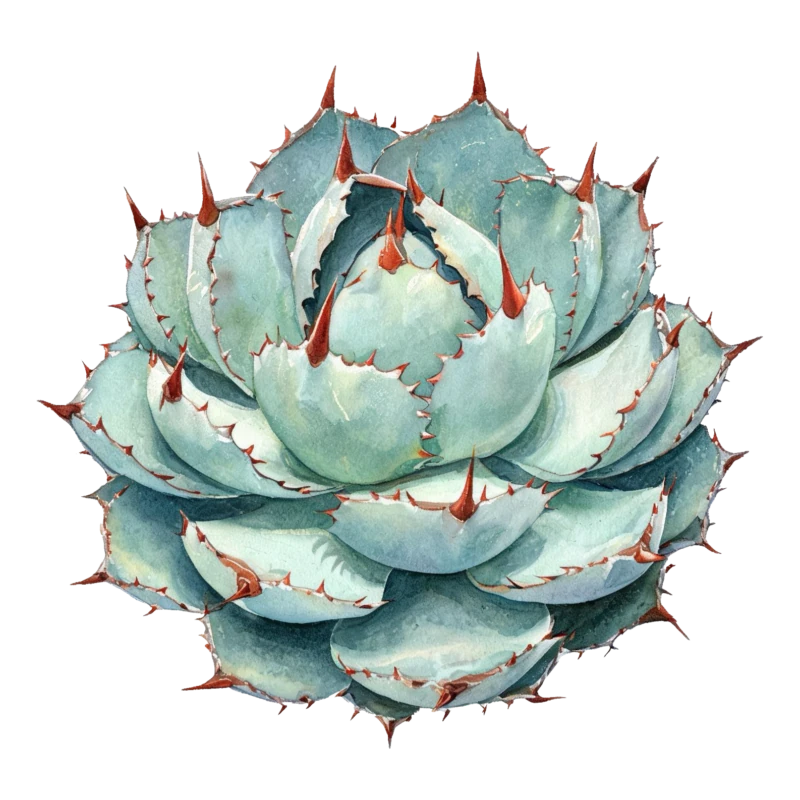
Agave titanota
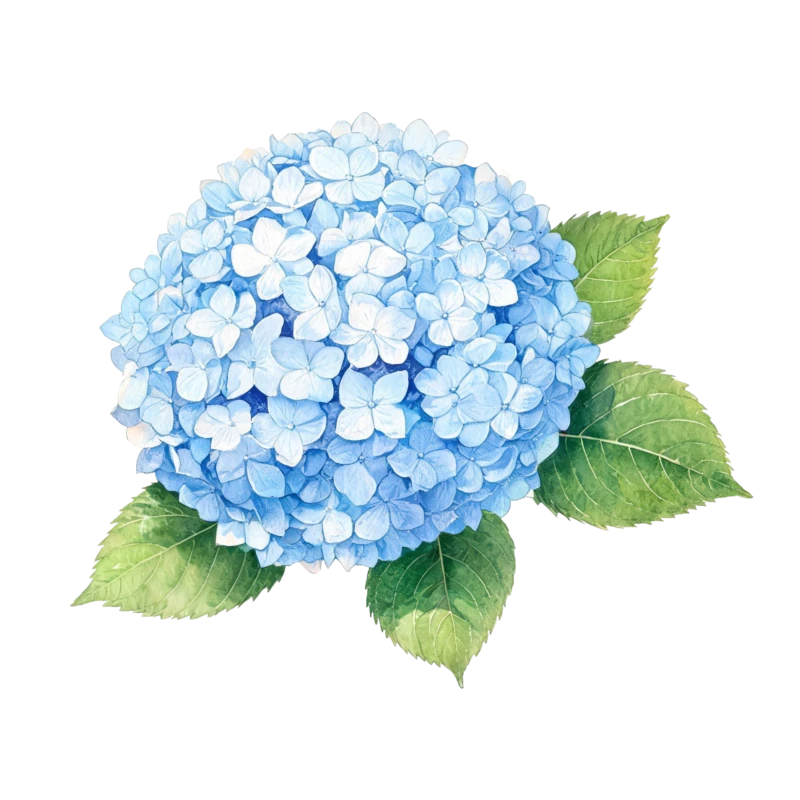
Hydrangea
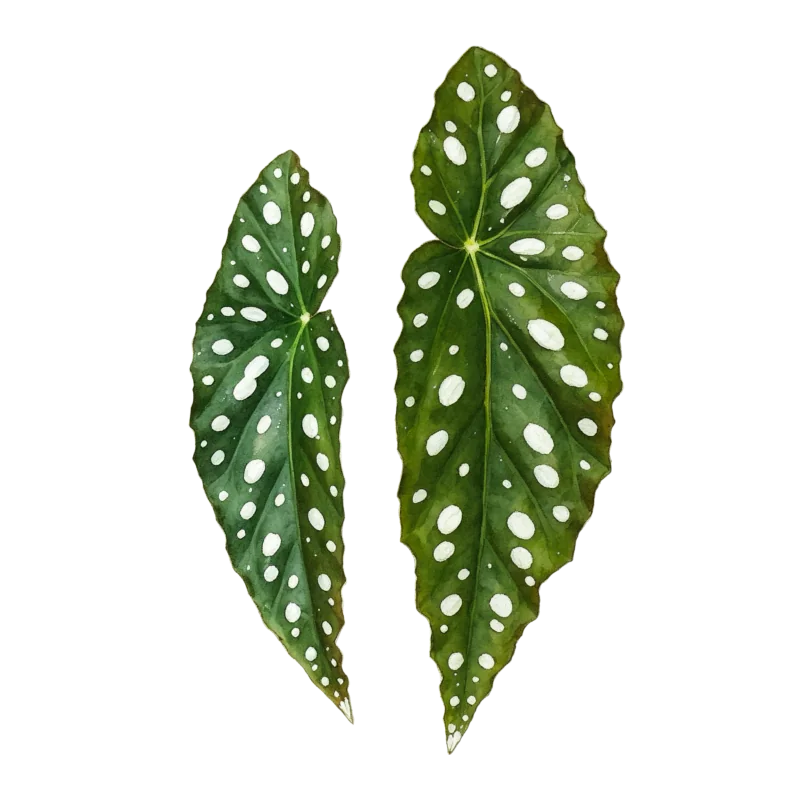
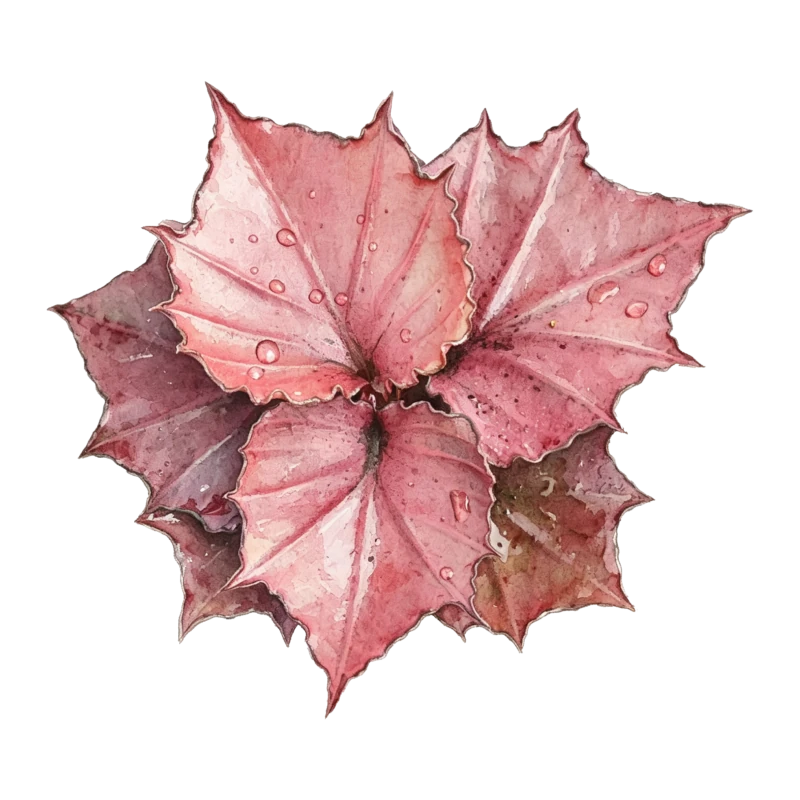
Begonia
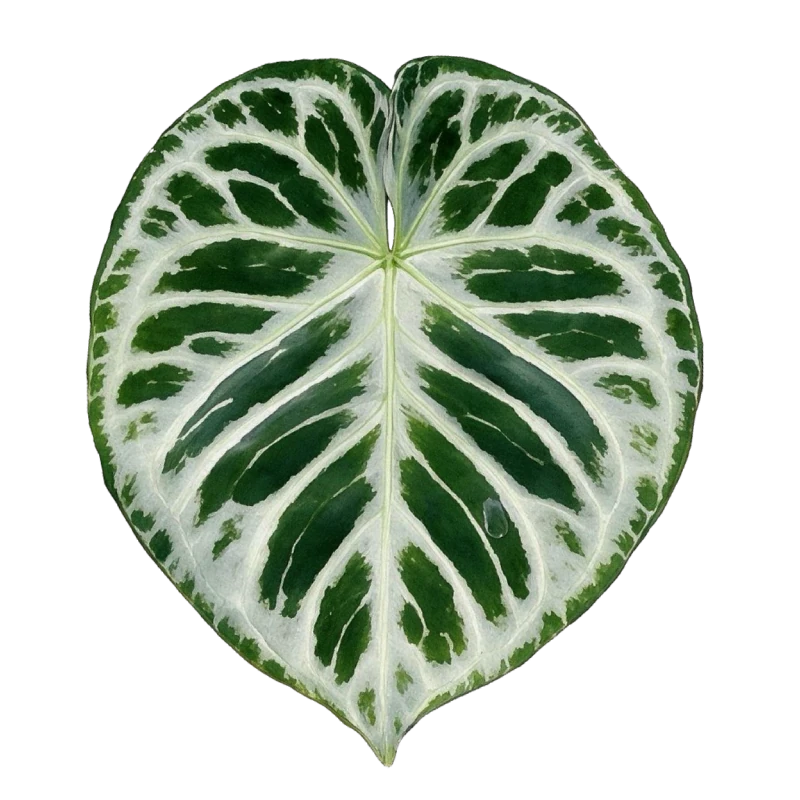
Anthurium crystallinum
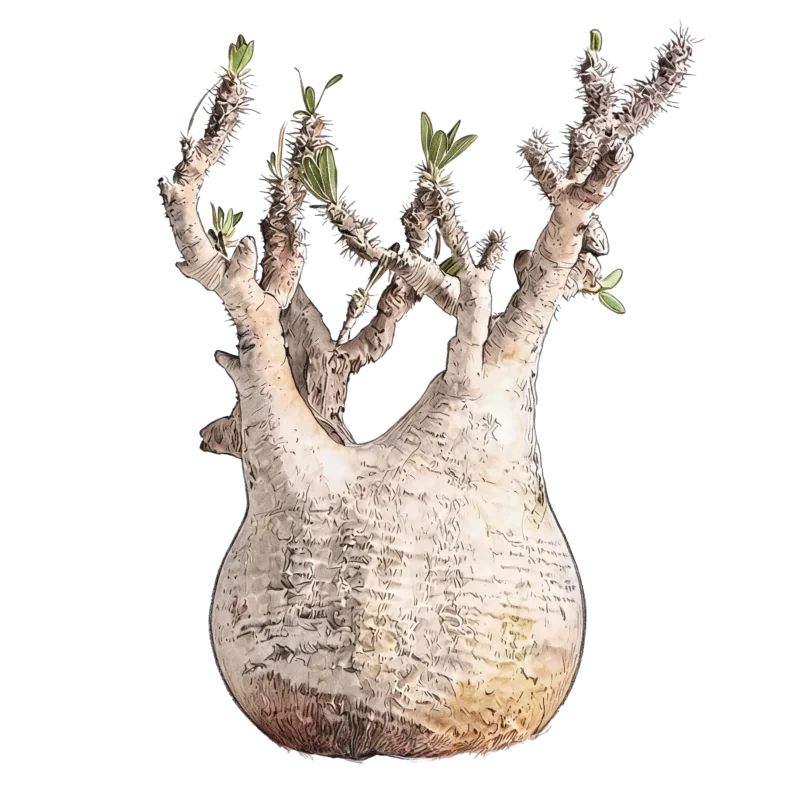
Pachypodium gracilius
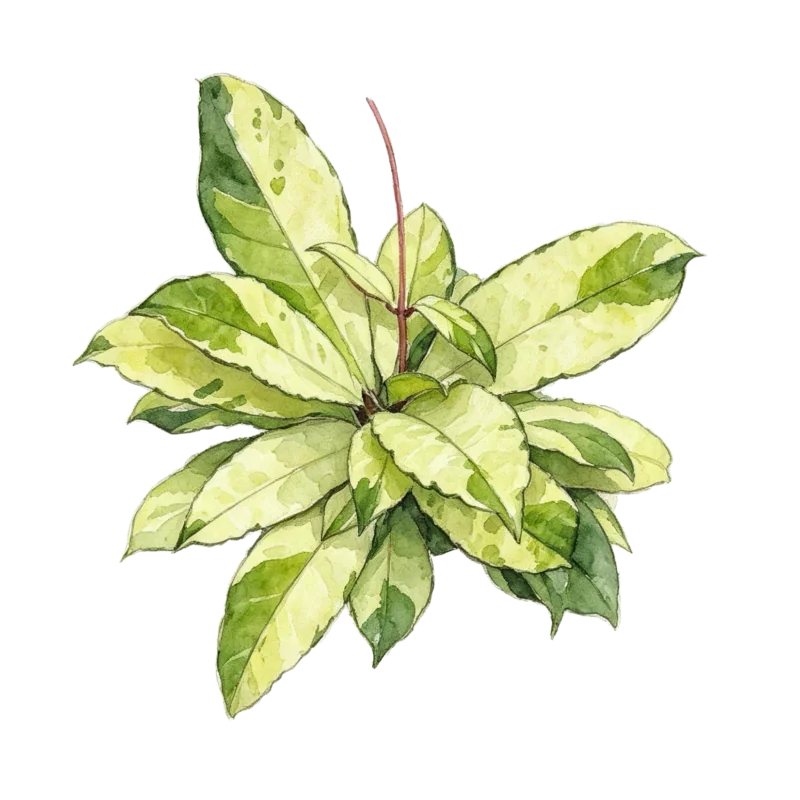
Hoya
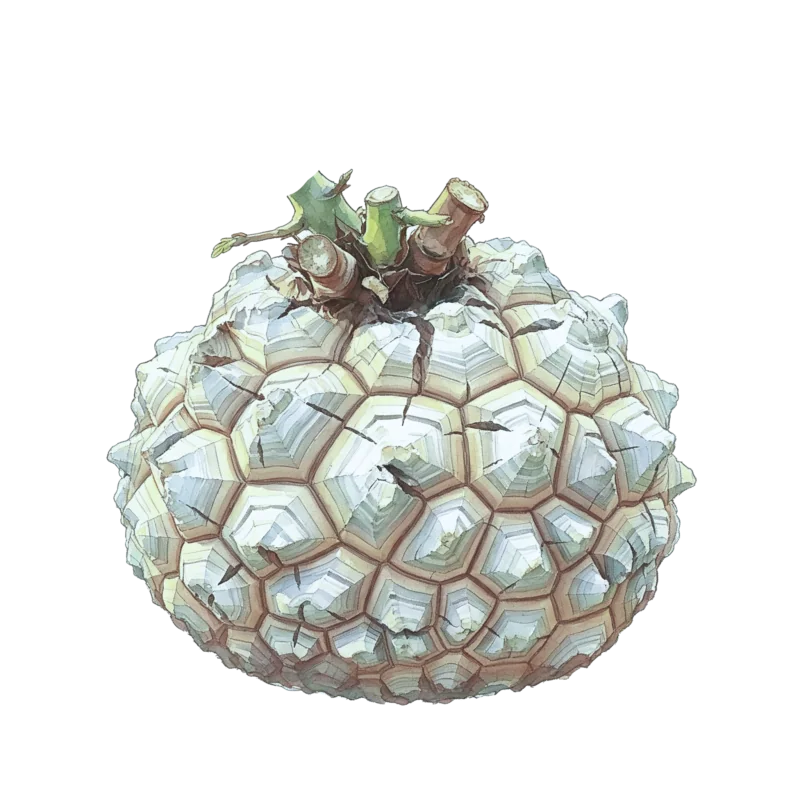
Dioscorea elephantipes
Euphorbia francoisii
Echeveria
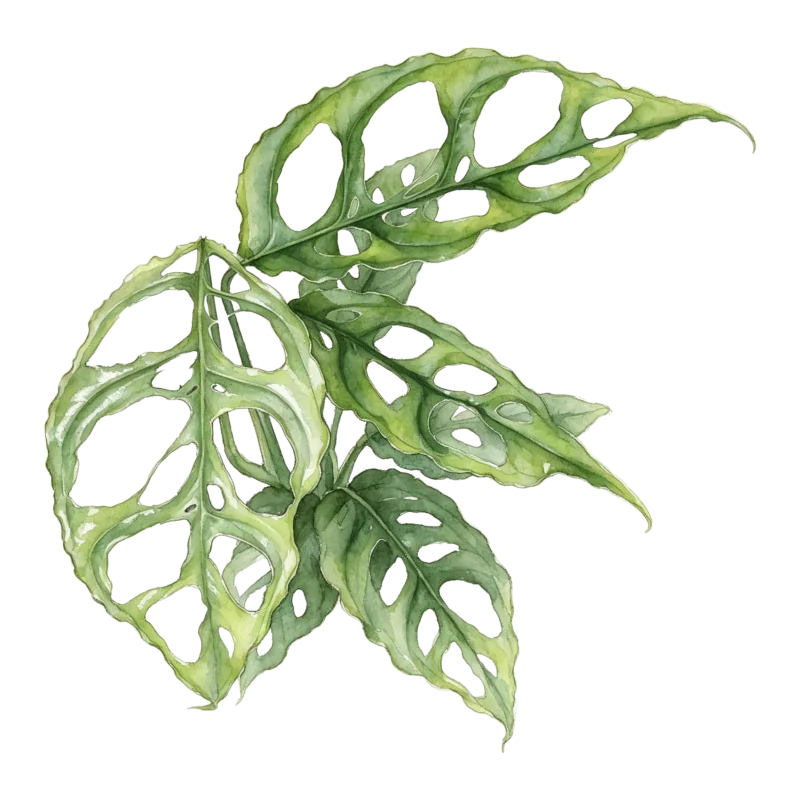
Monstera adansonii
WateringWatering
Liquid fertilizerLiquid
fertilizer
Slow-release fertilizerSlow-release
fertilizer
Pest controlPest control
FungicideFungicide
PruningPruning
RepottingRepotting
SowingSowing
CuttingsCuttings
DivisionDivision
SunlightSunlight
AirflowAirflow
RainRain
TemperatureTemperature
Photo
Icon names are for reference — customize them as you like
05

Custom care types with icons

Repotting, pruning, spraying — add what your care routine requires.

06

Batch logging: one action, many plants

Most efficient when the collection grows.
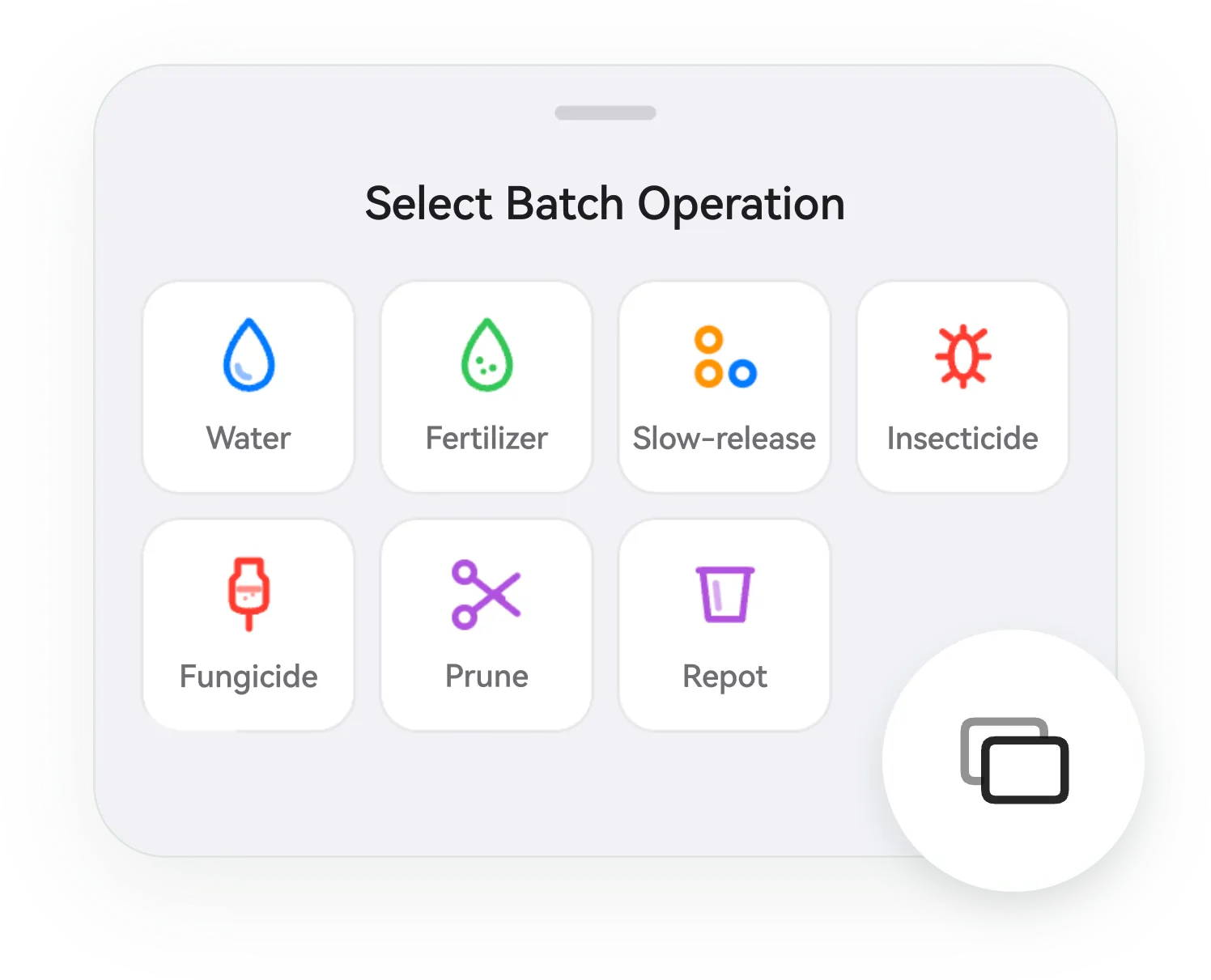
  • One actionSelect plants; one action logs them all.
  • Built for big collectionsOptional for a few, essential for dozens.
  • Shared noteOne note, applied to every plant.
Batch select and log
07

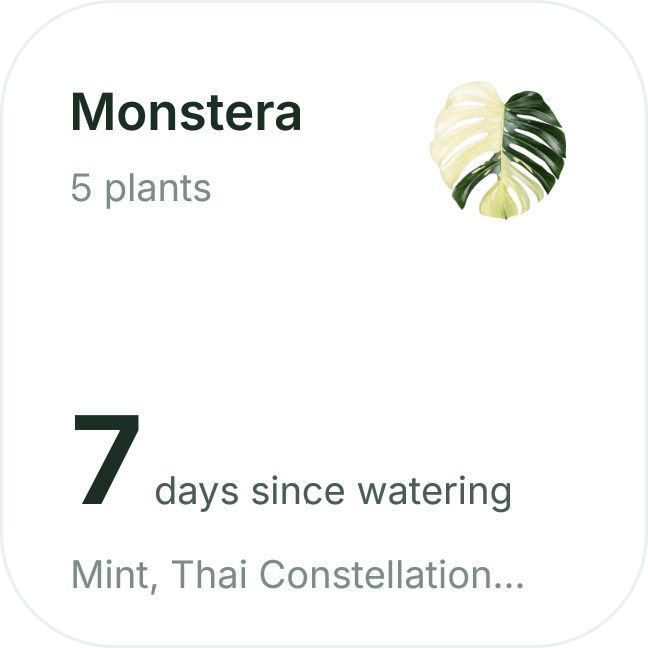
Widgets: visible without opening the app

Home-screen widgets on iOS and HarmonyOS, both native.
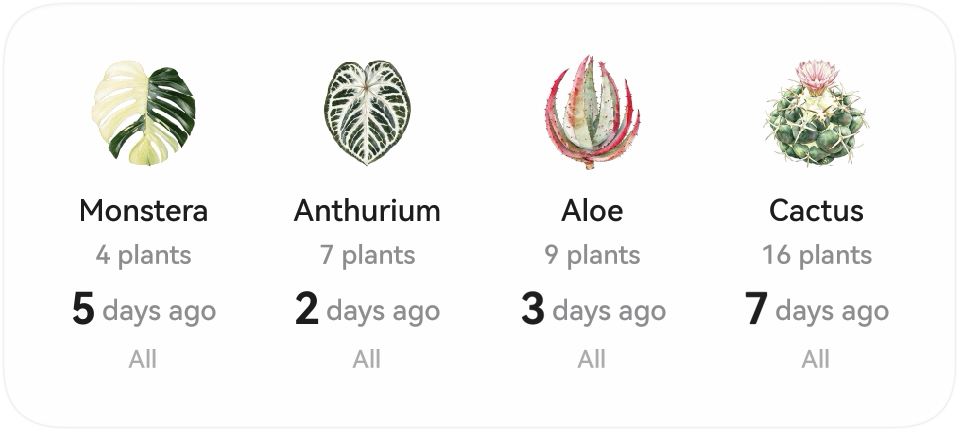
Medium widget: Monstera, Anthurium, Aloe, Cactus
iOS widget: Monstera, 5 plants, 7 days since watering
iOS widget
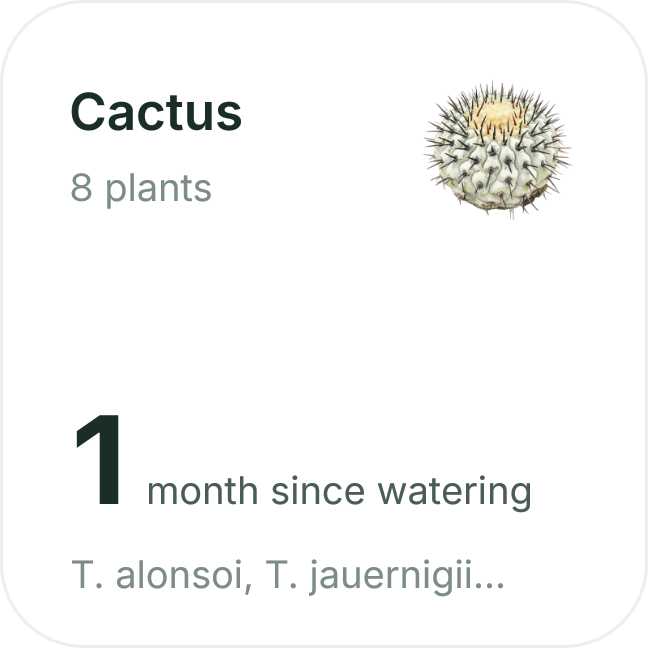
HarmonyOS widget: cactus, 8 plants, 1 month since watering
HarmonyOS widget
08

Care reminders:
light and optional

One interval per category and care type; each log restarts the countdown.

  • Per categoryOne care type in a category shares a single reminder — no per-plant setup.
  • Due only, on the cardDue and overdue items appear on the overview card; the plant page lists all, including those not due.
  • Off by defaultSwitch it off or change the interval anytime; in-app only, no push.

Important: Watering every fixed number of days is a classic mistake — most plant deaths come from watering too often. Species, season, weather, light, airflow, soil mix, pot material: many factors together decide when a plant needs water. Whether to water is always up to you, not a calendar and not an alarm.
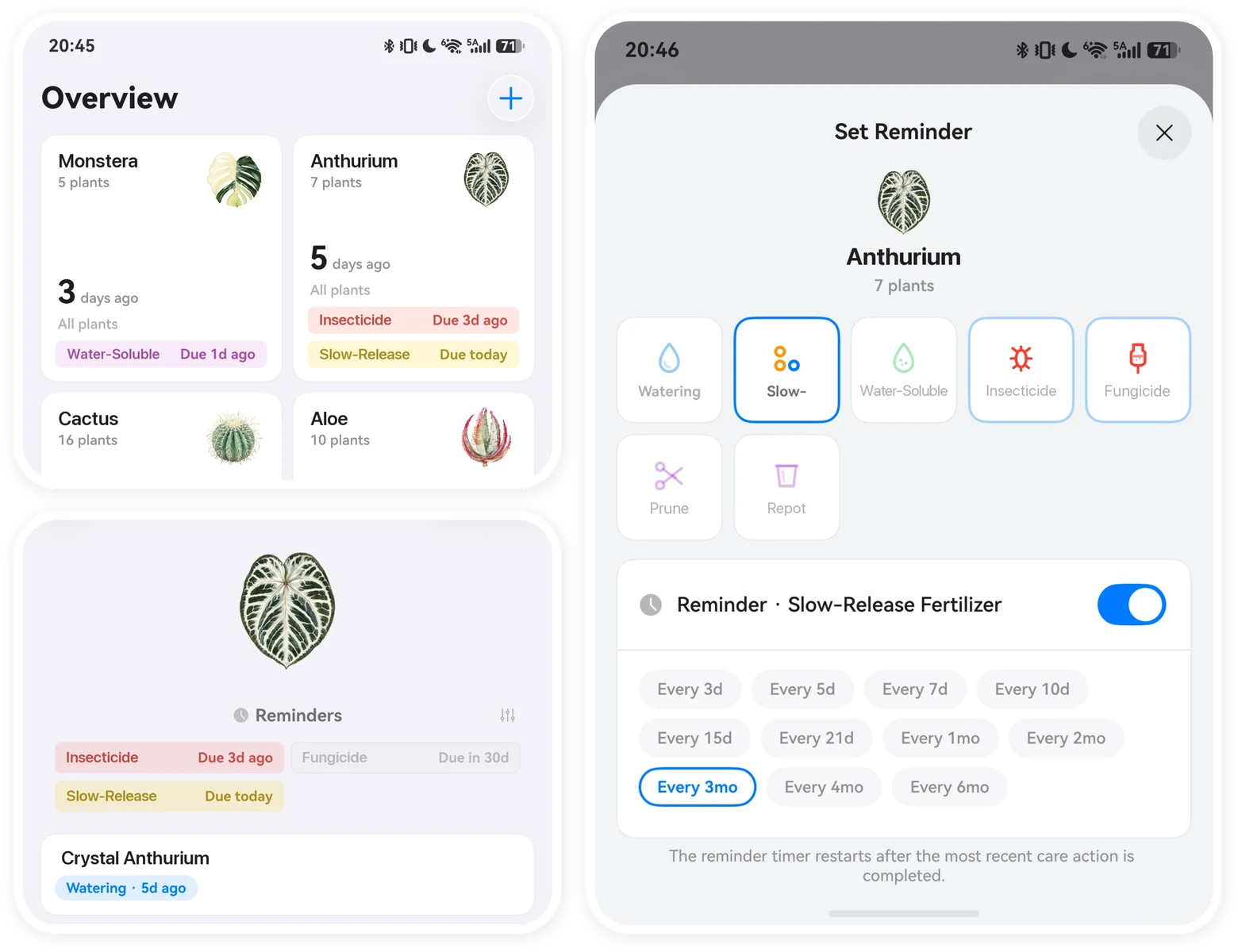
Due reminders on Care Overview, and the Set Reminder panel
09

Growth & comparison
posters, made of time

Pick photos from the stream; they compose — by capture date — into a poster to save or share.

  • Growth poster3–30 photos in one tall poster, with the first-to-last span noted.
  • Comparison posterTwo photos, before and after; the layout adapts to their aspect.
  • Six stylesThe first two are free, the last four Premium; new templates over time.
  • Save & shareA high-resolution JPEG saved to Photos, or sent via the share sheet.
Cloud sync
10

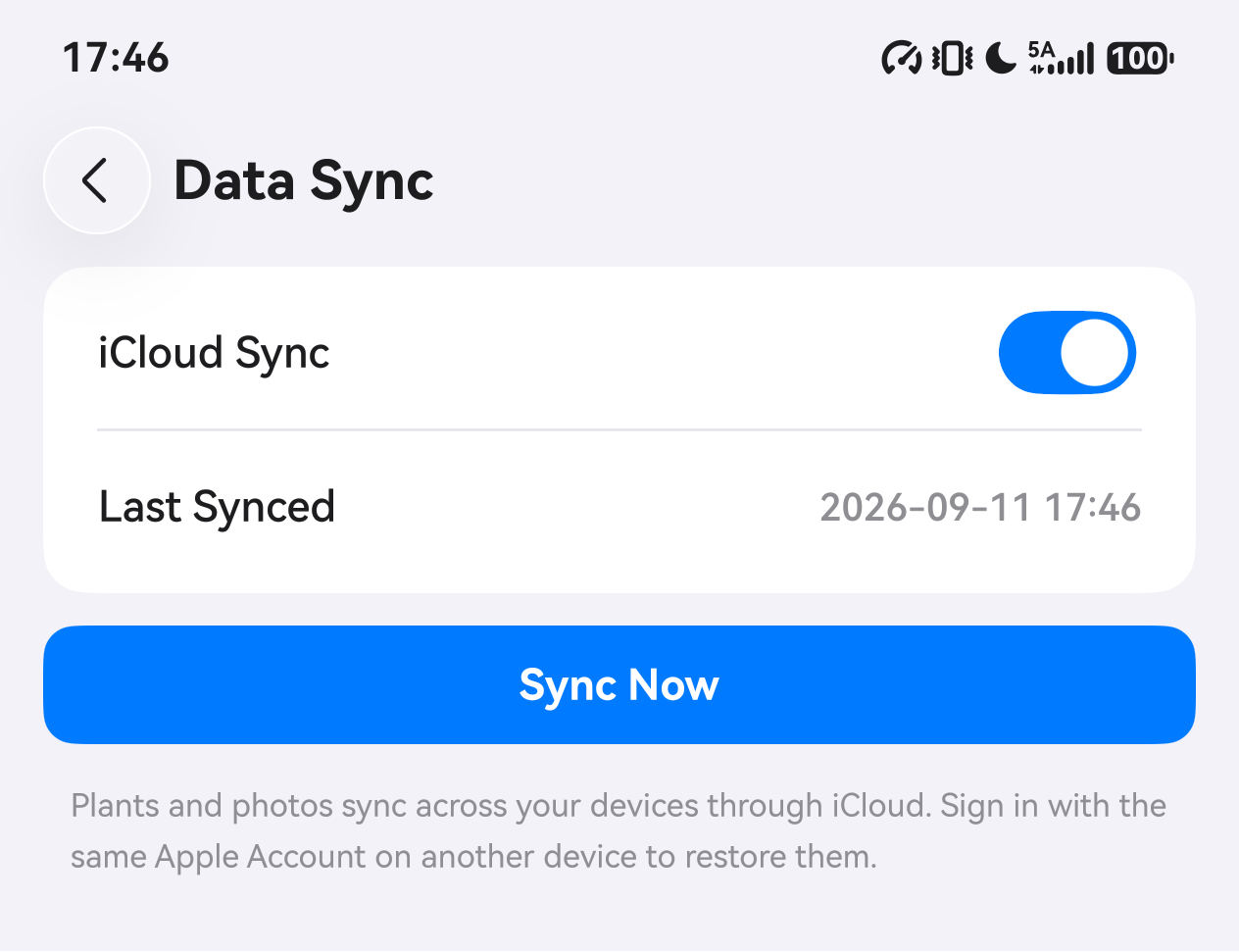
Cloud sync: your data follows your devices

iCloud on iOS, HUAWEI Cloud on HarmonyOS — plants, logs and photos live in your own cloud.

  • Your own cloudData goes through iCloud or HUAWEI Cloud — never our servers.
  • Restore on new devicesSign in on a new device and everything returns.
  • Across devicesRecords stay consistent between phone and tablet.
11

Day-one support
Apple iPhone Duo
Equally polished on wide & foldable screens

Unfolds into a two-column layout — not a stretched phone interface.
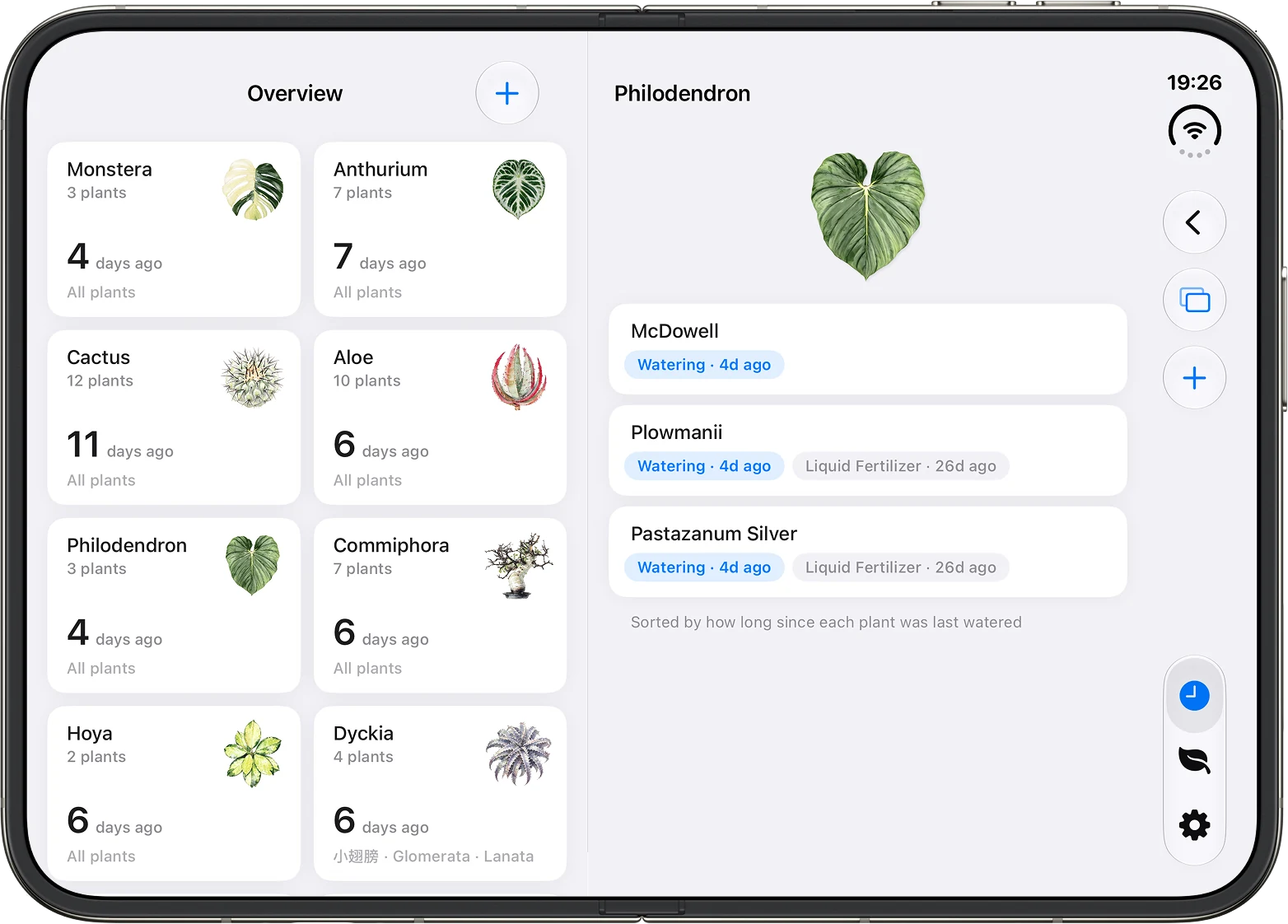
  • Native from day oneA native build on every supported foldable, with feature, data and interaction parity.
  • Wide-screen layoutsOn wide screens and wide foldables, layouts are recomposed.
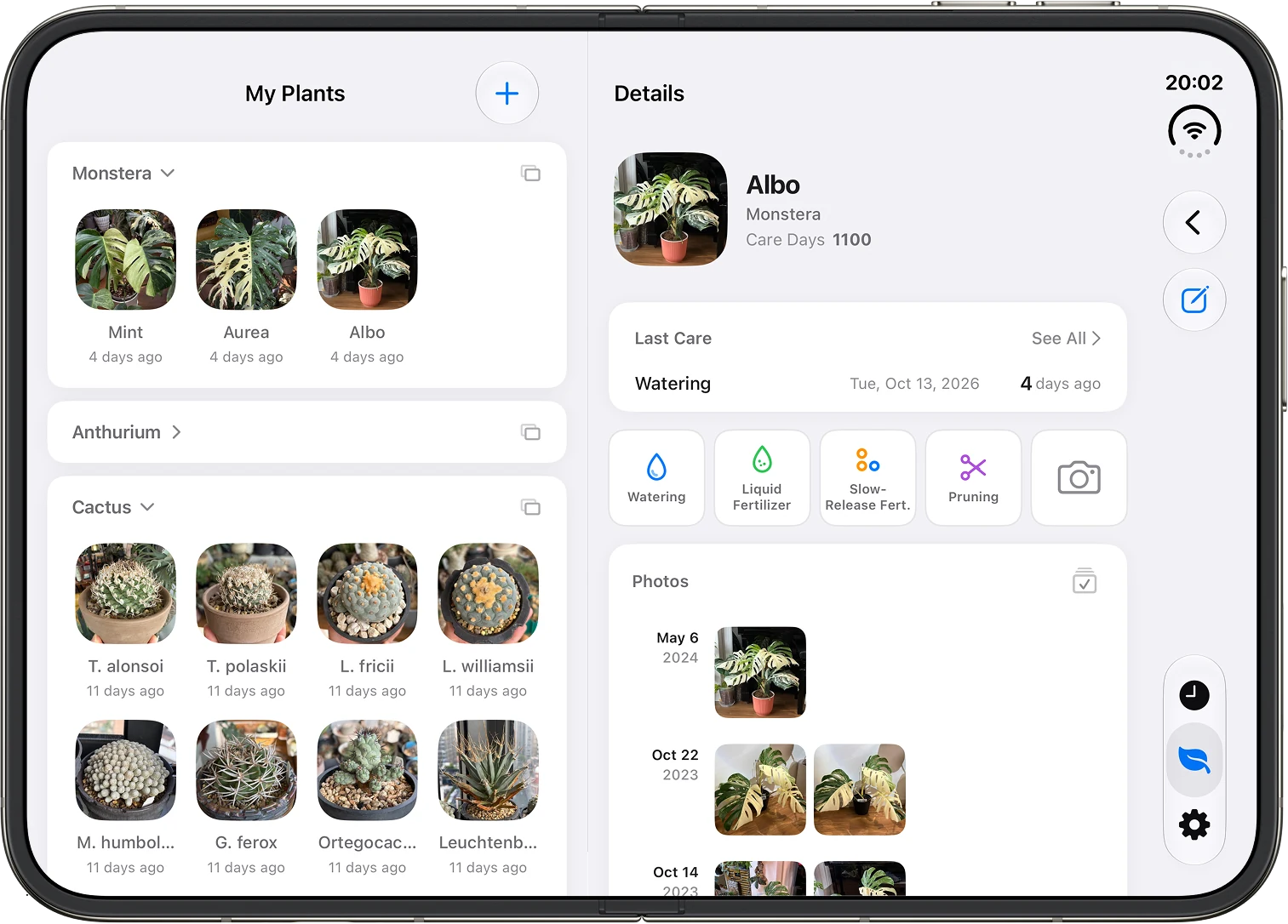
  • Unfolded, two panesUnfolded: list at left, detail at right, side by side.
  • Reworked layoutRecomposed for large screens.
Care Overview on iPhone Duo, unfolded
My Plants on iPhone Duo, unfolded
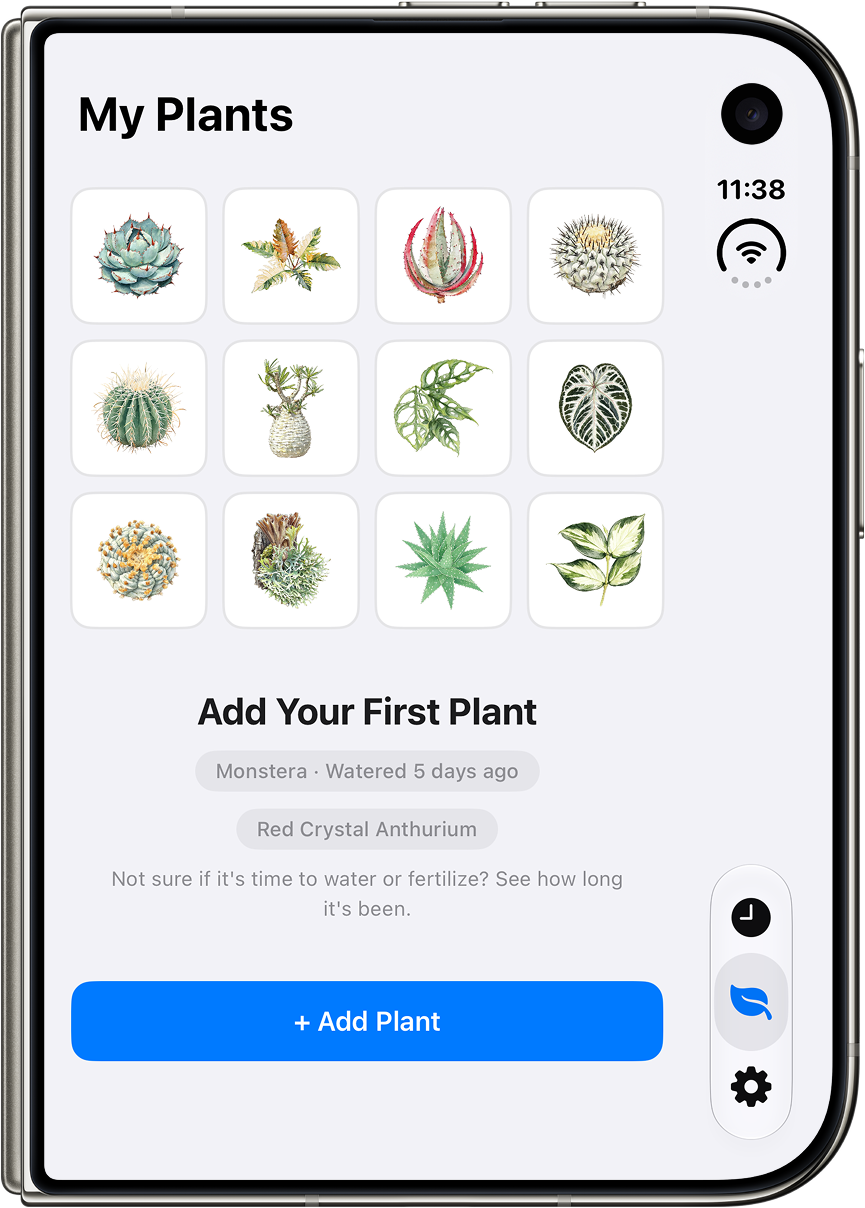
My Plants on Duo’s outer screen
12

Made for iPad, too
Big collections, easy to manage

Beyond phones and foldables — inflora works just as well on iPad and other large screens. With many plants, everything is easier to manage.
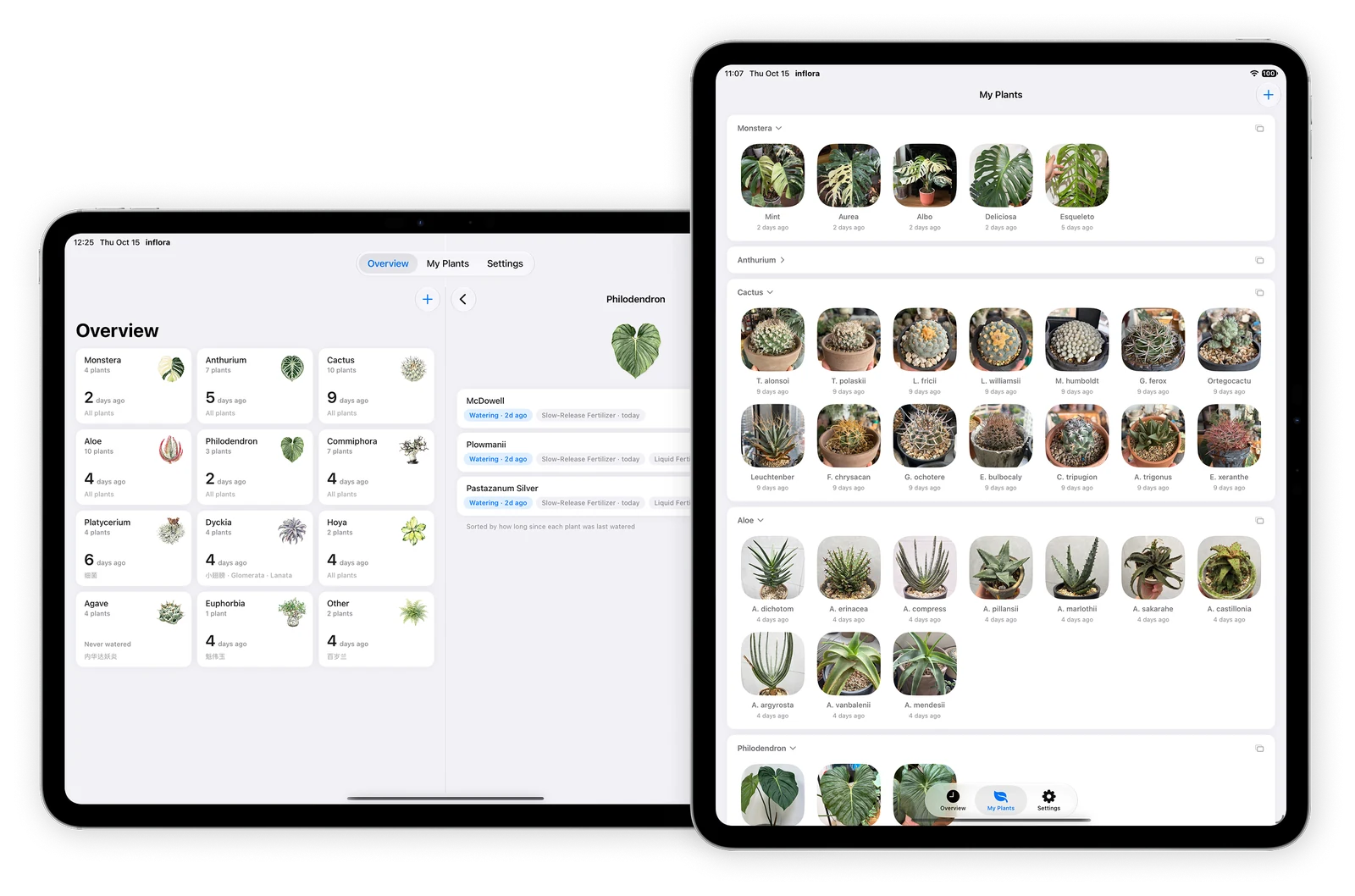
  • Two panes in landscapeList at left, detail at right, no switching.
  • More per rowMy Plants shows more per row, easier to browse at scale.
Care Overview and My Plants on iPad

Features

Free Free
Premium $19.99 / year
Prices vary by region.
PlantsDeleted & archived plants don’t count 20 Unlimited
CategoriesCustom names & covers 6 Unlimited
Care typesAdd repotting, pruning, and more 4 Unlimited
Plant iconsEver-growing hand-drawn library 16 Unlimited
Poster StylesNew poster templates added over time 2 Unlimited
WidgetsLive care info on your home screen Default Custom
App icon switching1A plant on your Home Screen 26 All
Cloud sync2Data survives device changes
1. App icon switching is available on iOS and Android only; not available on HarmonyOS.
2. Cloud sync is available on iOS and HarmonyOS only; not available on Android.
Auto-renewing subscription · cancel anytime

FAQ

No answer found? Email info@inflorapp.com

Will it remind me to water on a schedule?

No scheduled nudging. Reminders are optional, set per care type and counted from your last action; whether to water stays your call.

Thirty plants — is the free tier enough?

The free tier covers up to 20 plants with full features; beyond that, Premium at $19.99/year lifts the limit.

Where is my data stored? What about new phones?

In your own cloud — iCloud on iOS, HUAWEI Cloud on HarmonyOS. Sign in on a new device to restore and sync.

Does it need internet?

No. Apart from purchasing a subscription, everything works offline.

Can I log things besides watering?

Watering, liquid and slow-release fertilizer, pest control, fungicide, pruning and repotting work out of the box, plus custom types of your own — each tracked separately.

A plant died or was given away — delete it?

No need. Switch to “archived”: photos and history remain; the plant leaves the active groups. To remove it entirely, deletion goes to Recently Deleted first.

inflora