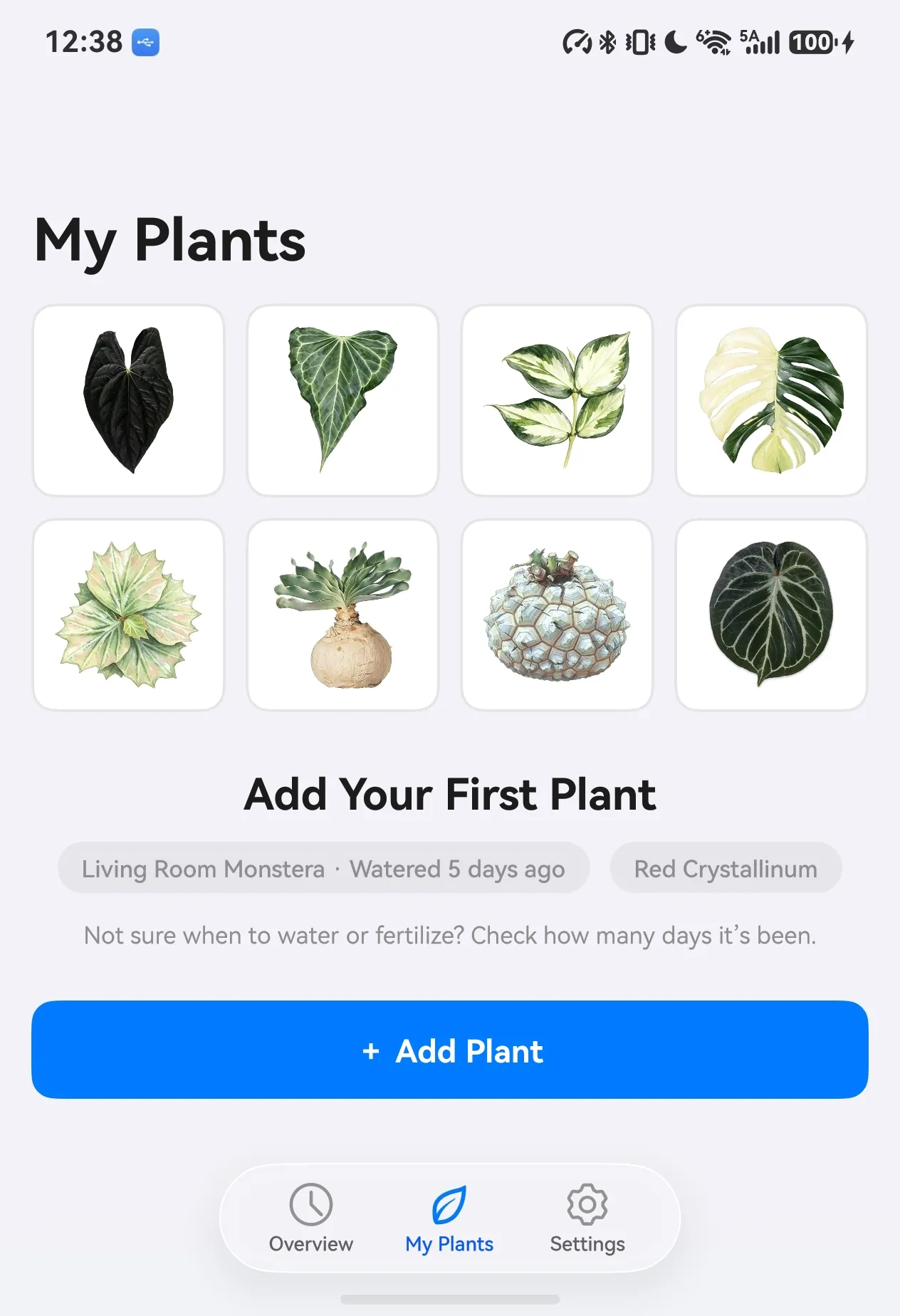
Every photo, every watering, fertilizing, and pruning of your plants, strung together into one timeline. Not sure whether to water or fertilize? Check how long it’s been.
inflorescence: noun. in a plant, a flower or group of flowers on the stem, or the way they are arranged; the forming of buds and flowers on a plant. — Cambridge Dictionary

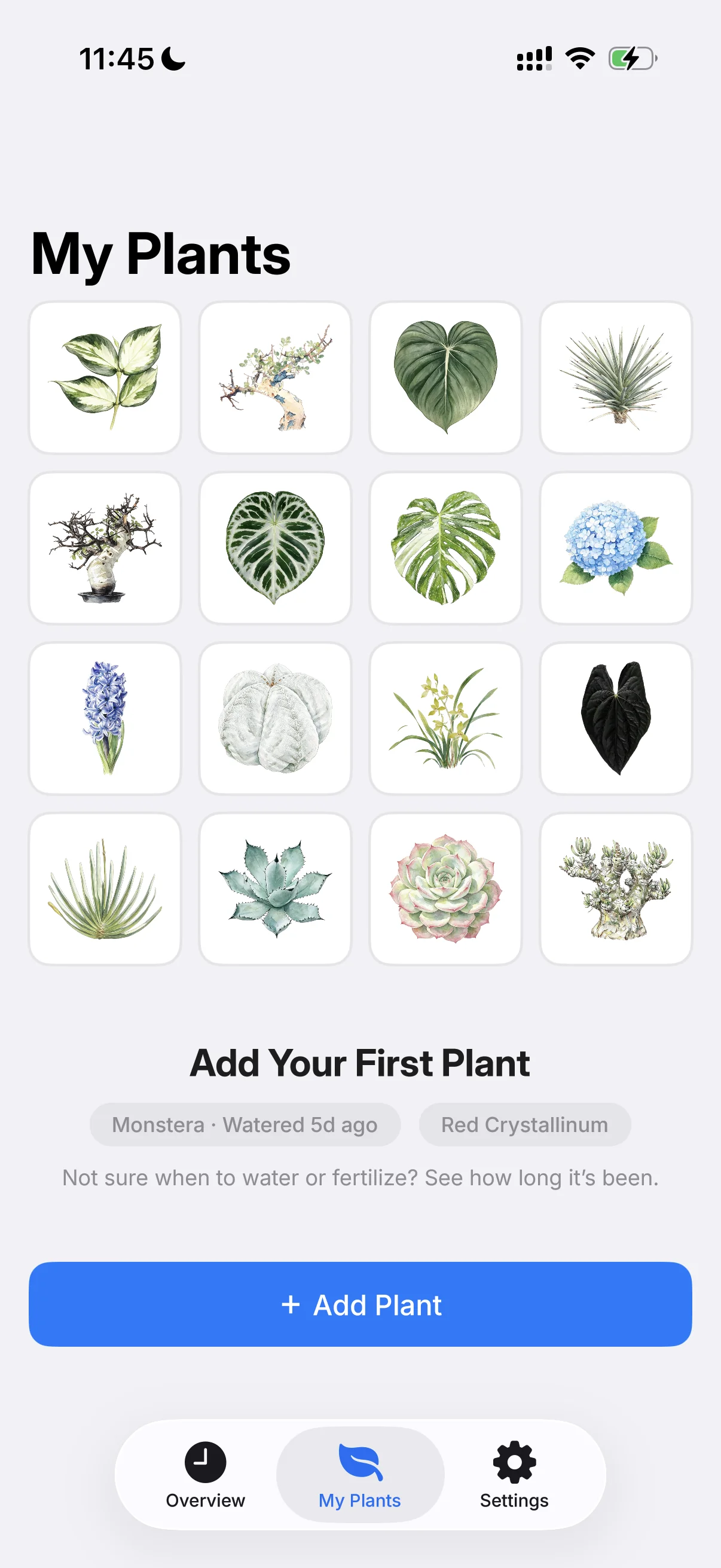
Most plant-care apps compete to be your calendar and alarm. Watering on a fixed schedule is wrong by design.
Whether a plant needs water is always your call — never the tool’s.
Environment, weather, light, airflow, location, season, soil mix, species, pot material and shape — many factors together decide when the soil dries out and the plant needs water.
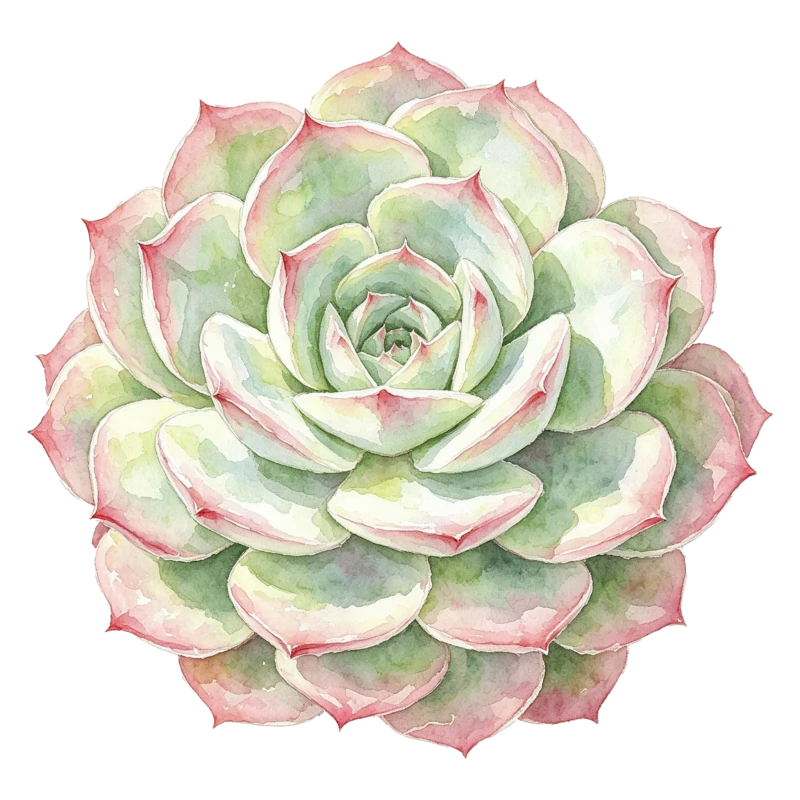
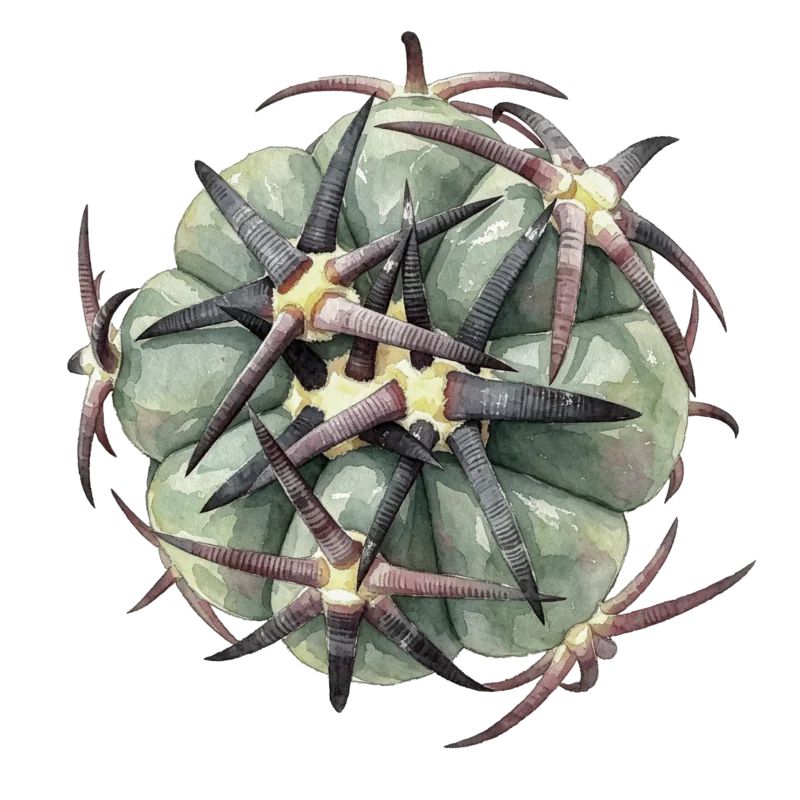
Take the same 7-day interval: a Monstera in summer is long overdue for water, while a cactus in winter may already be rotting at the roots. Complex problems have no simple answers — overwatering is one of the most common causes of houseplant death.
Whether to water is decided by observation — not by calendar alerts and alarms.
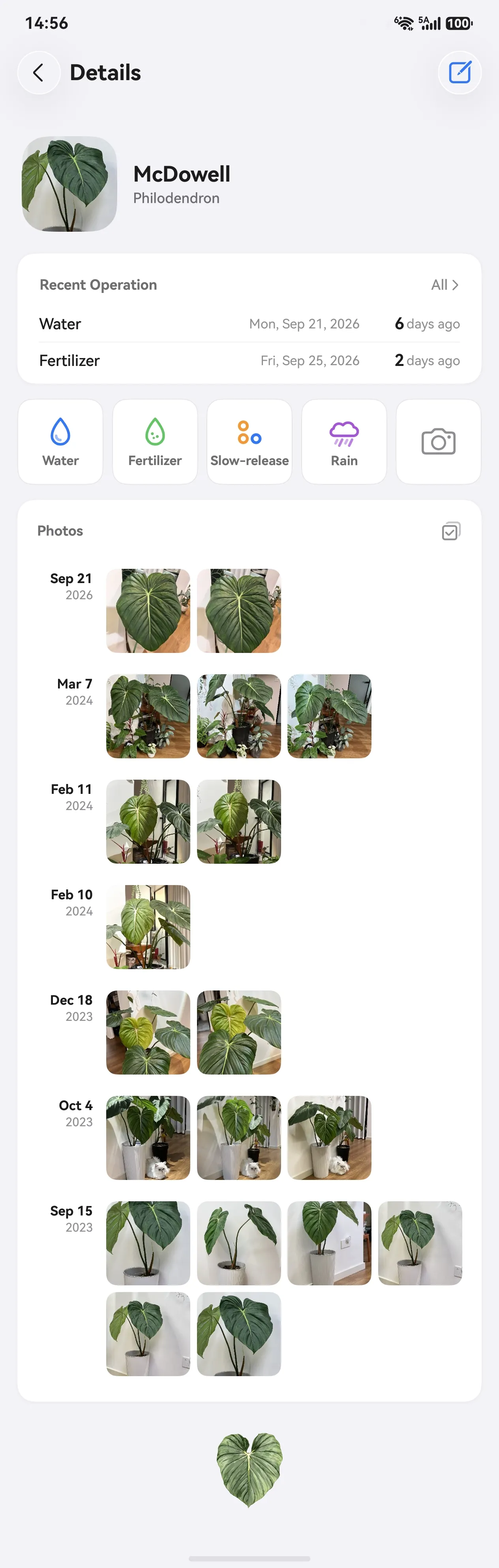
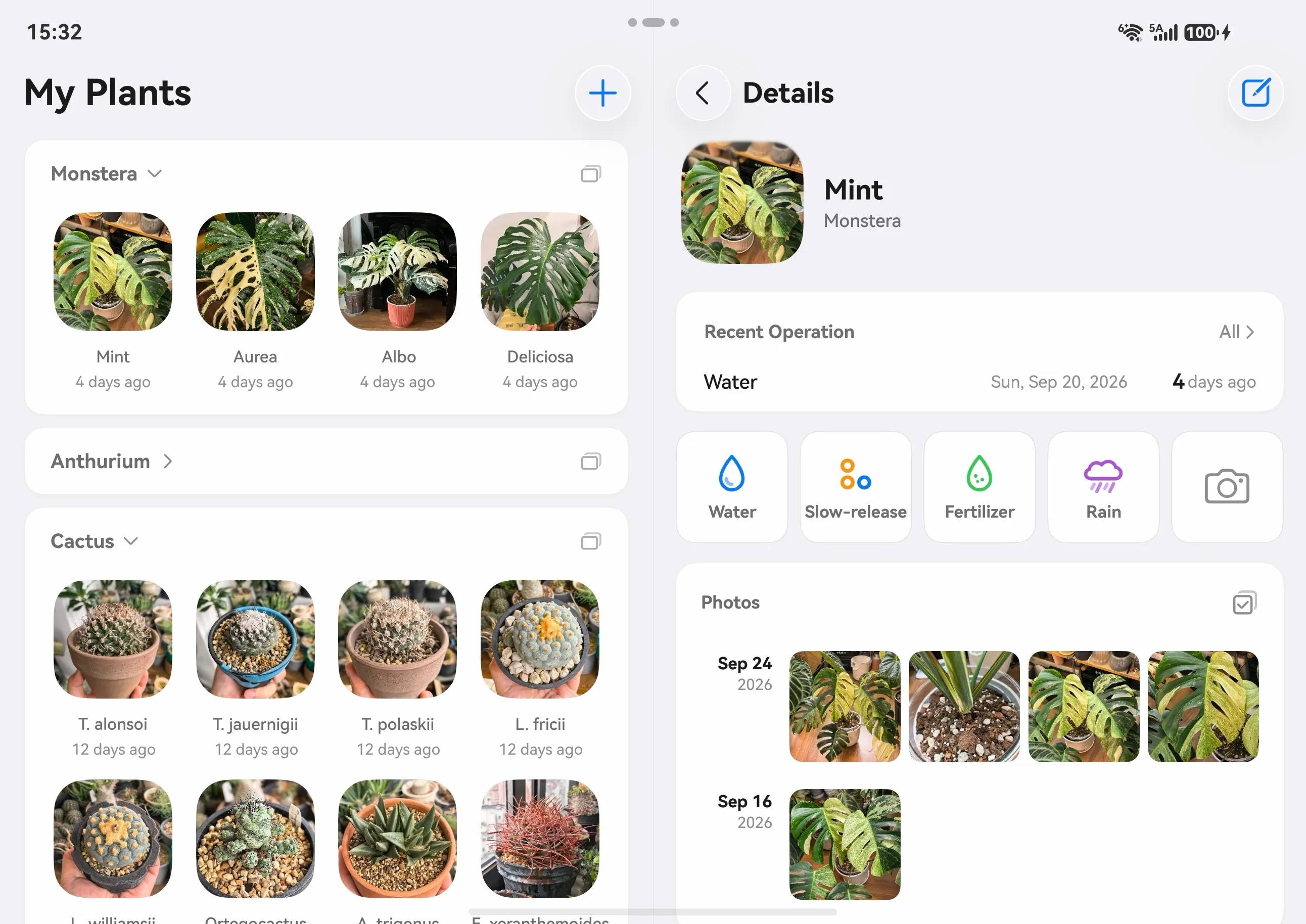
Watering, fertilizing, pruning, repotting — each logged separately. Flipping through one plant’s photos over time brings surprises and joy.
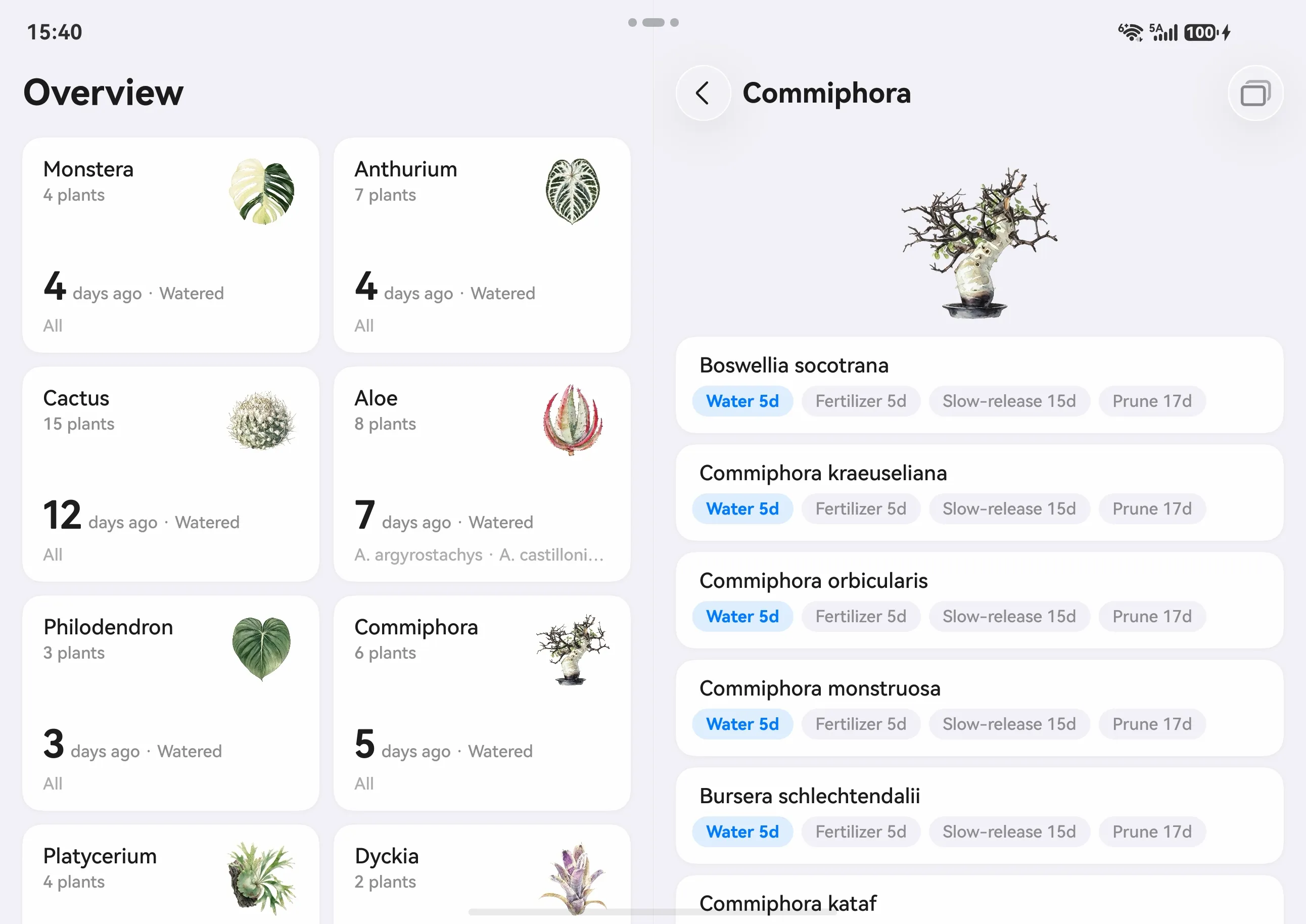
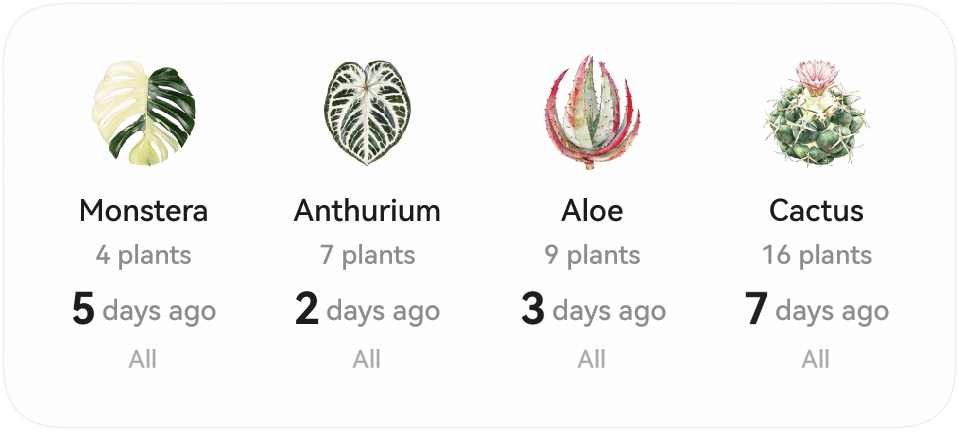
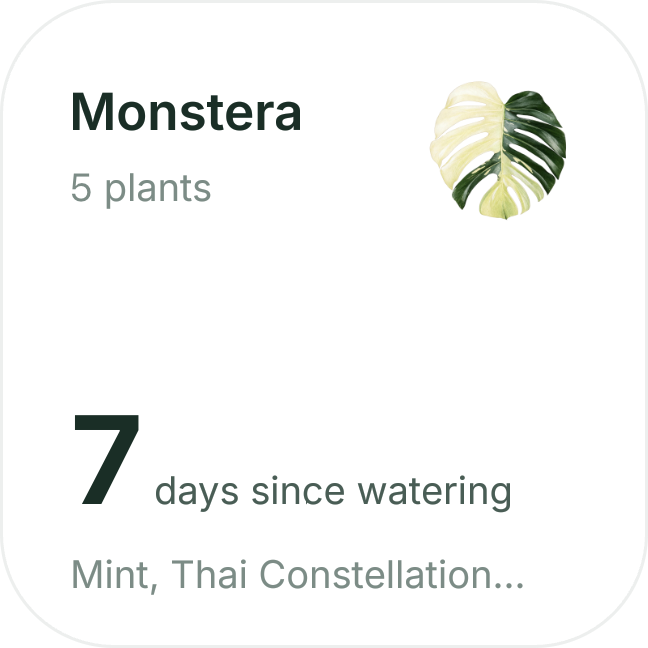
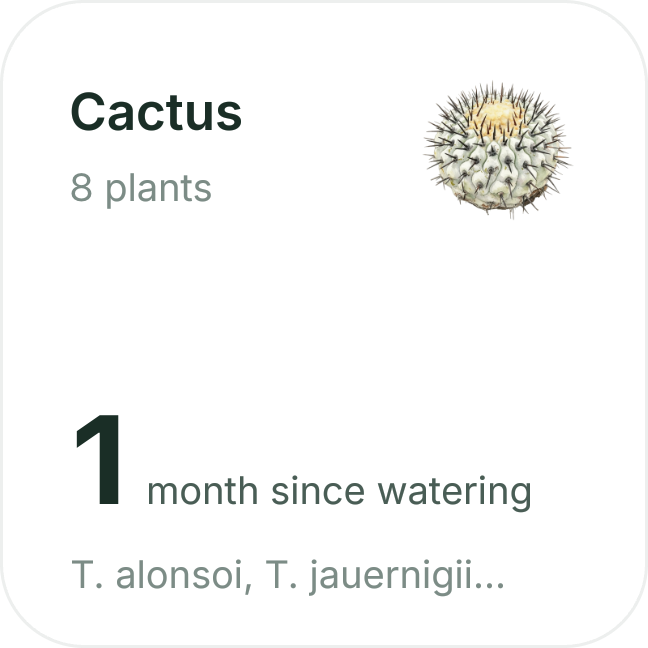
One card per category, sortable by longest-since-watered.
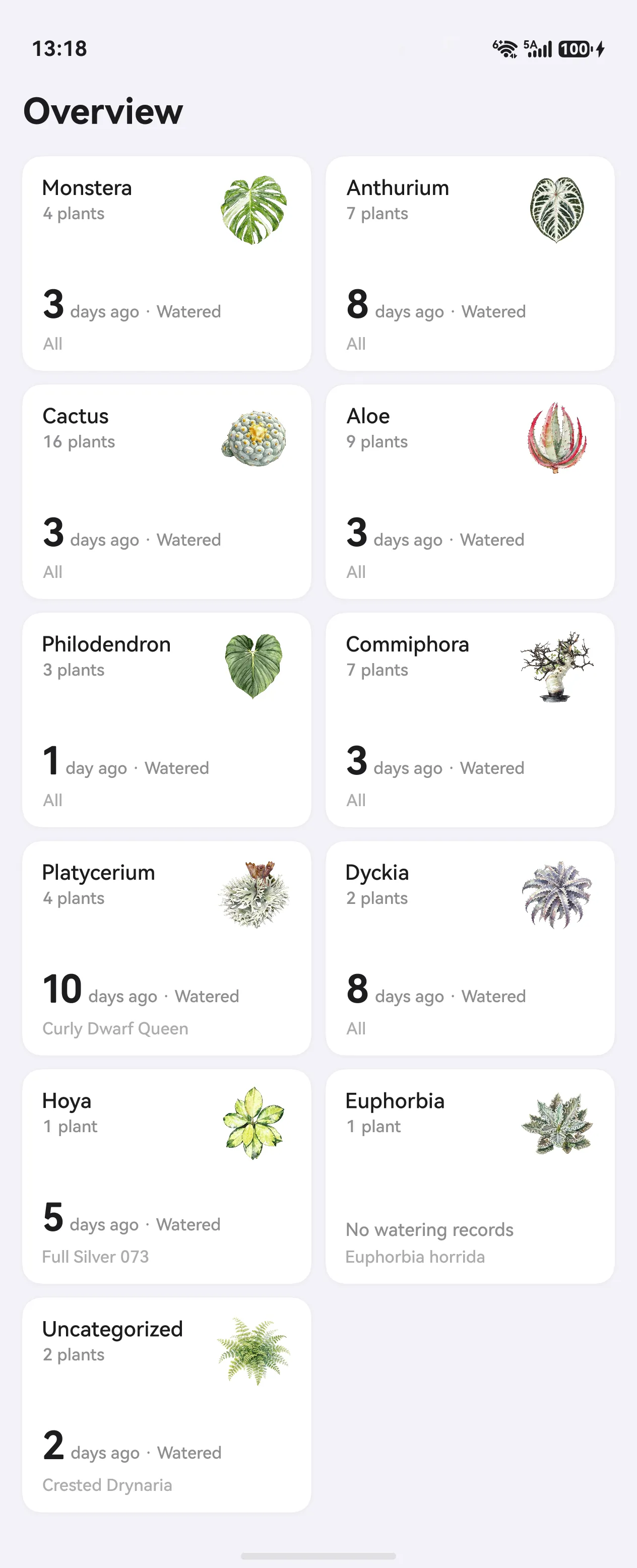
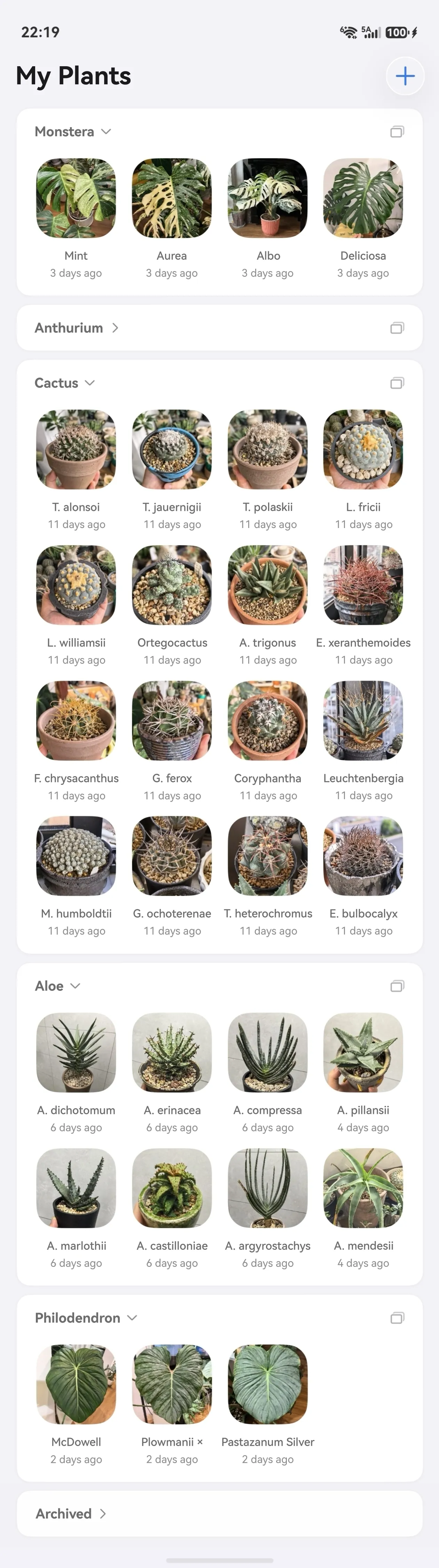
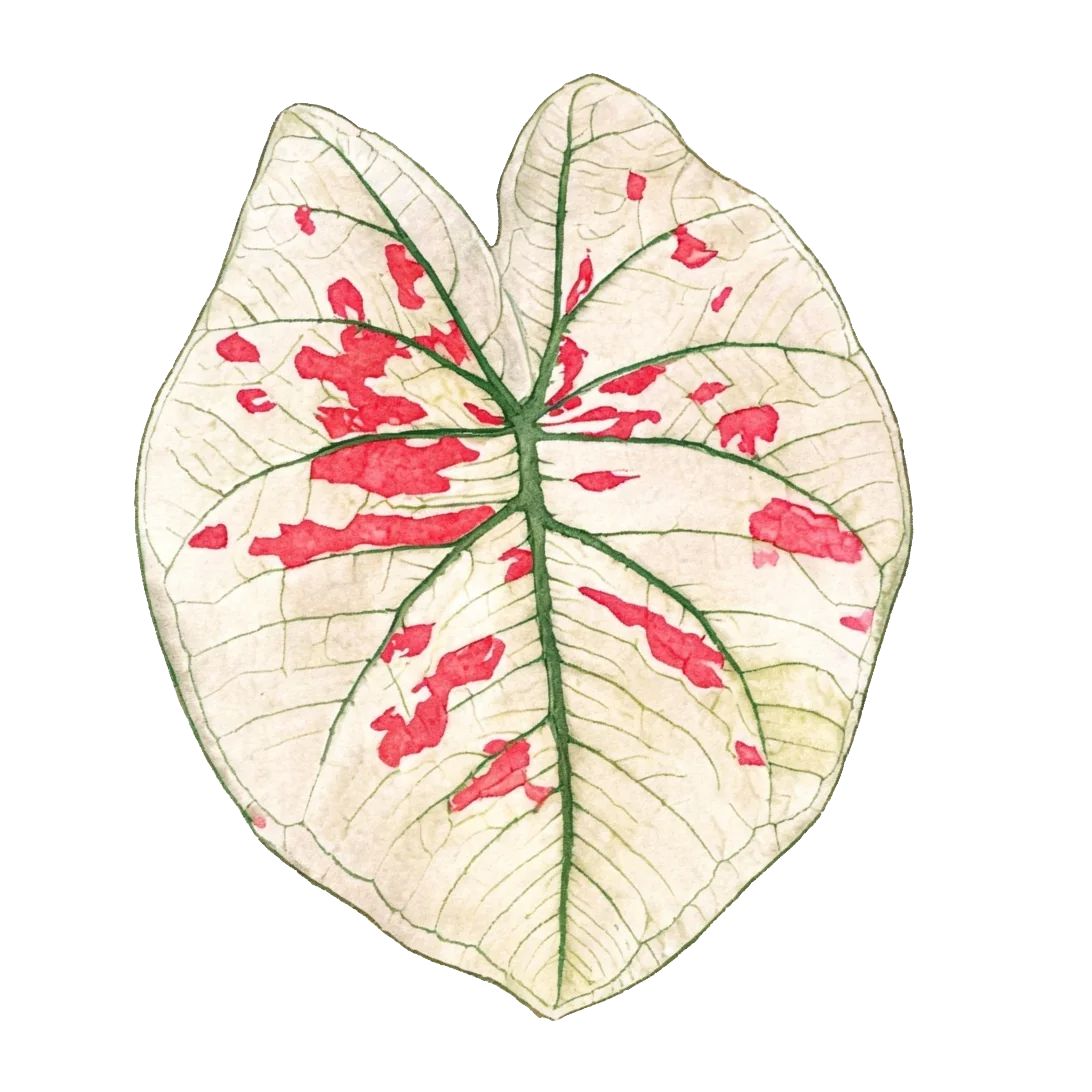
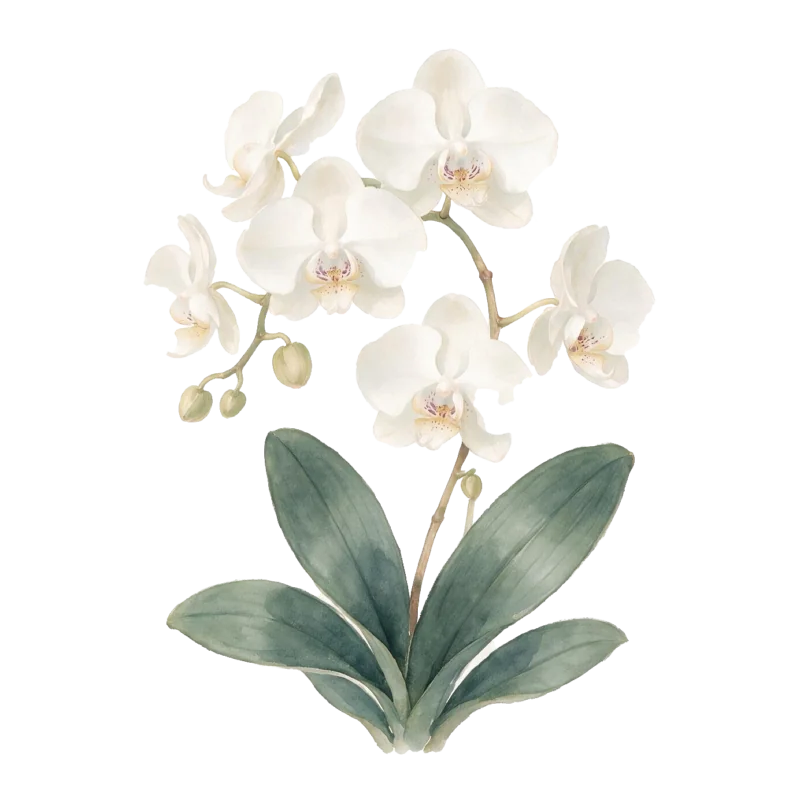
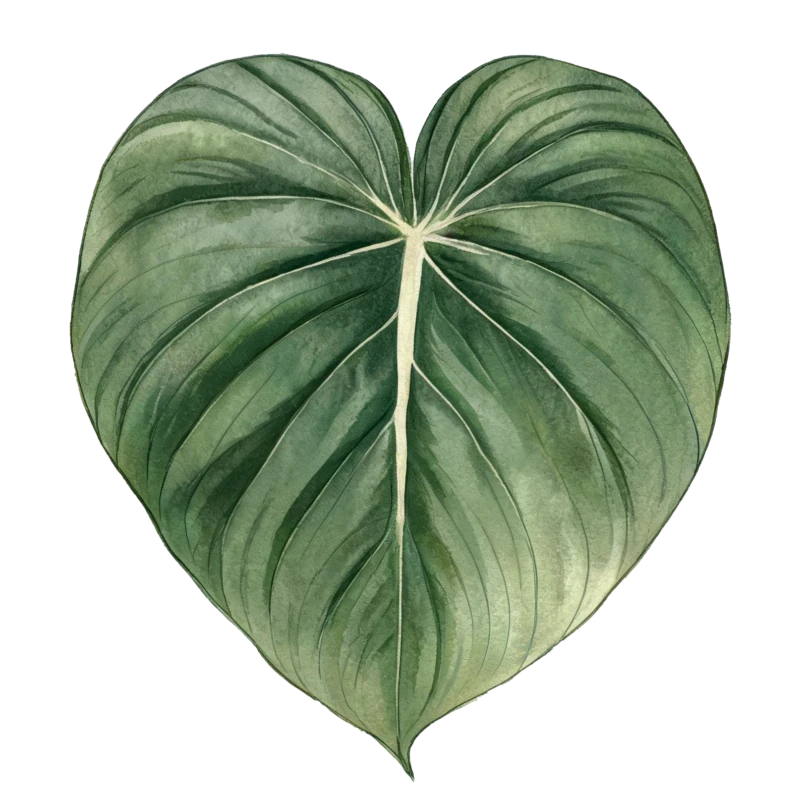
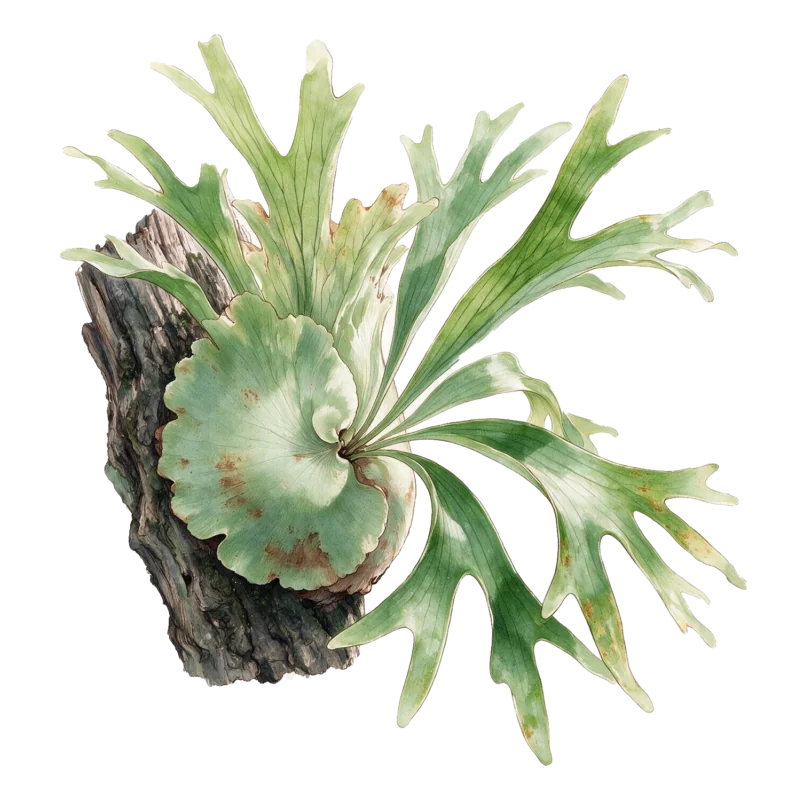
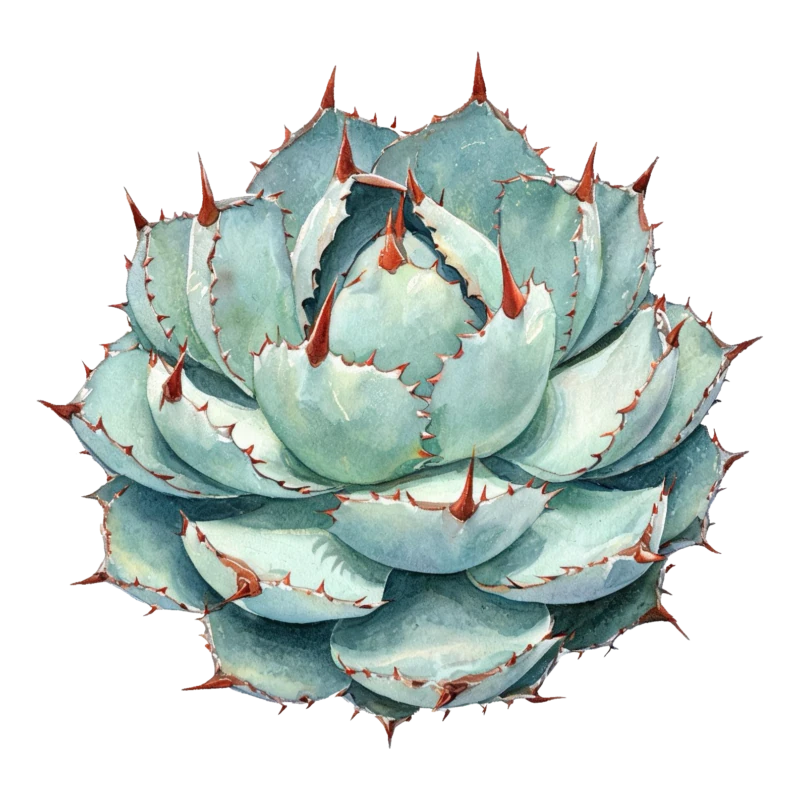
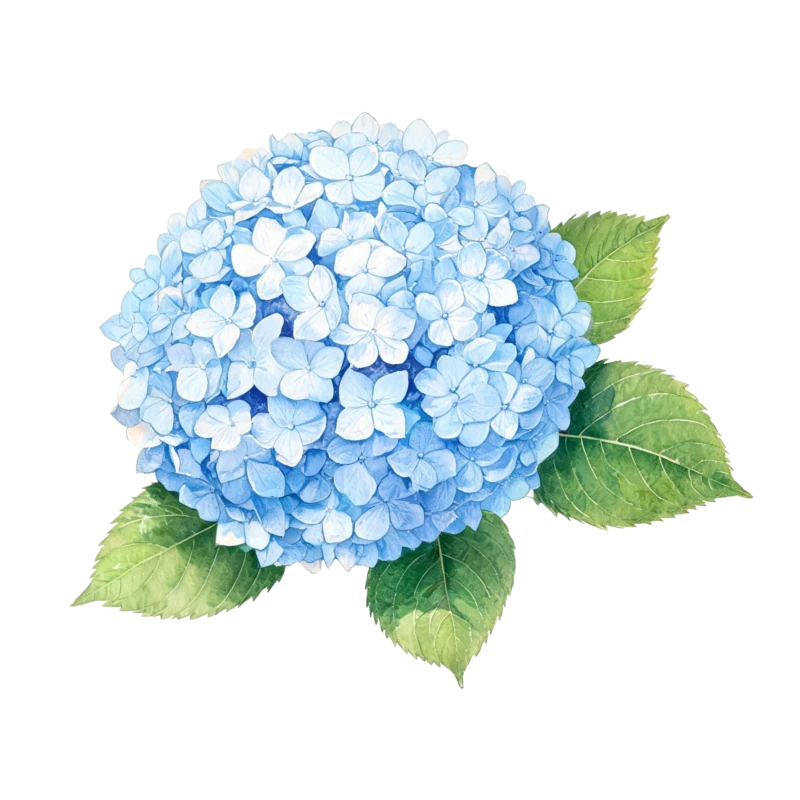
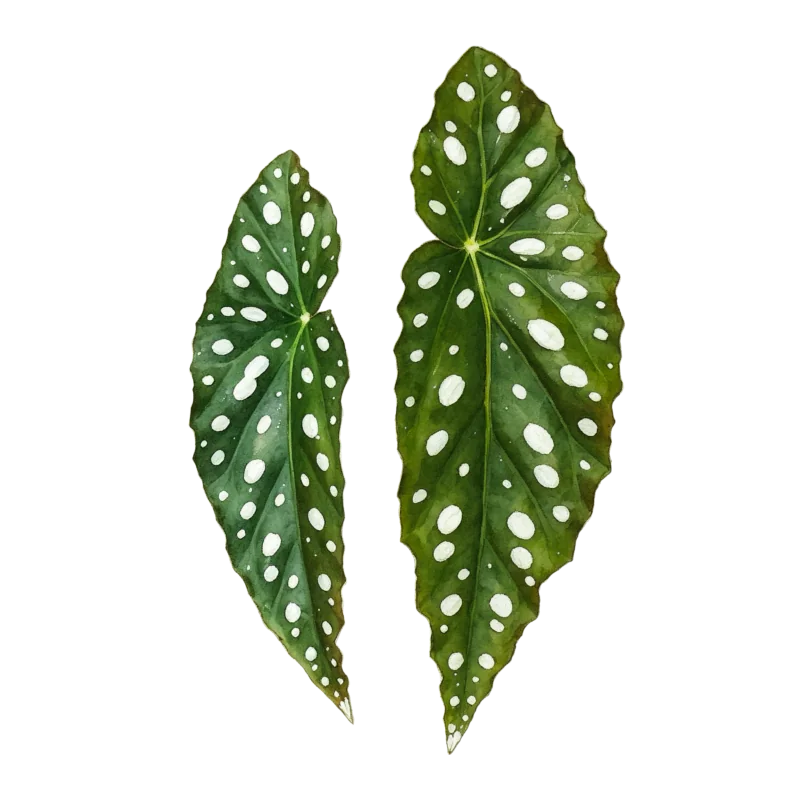
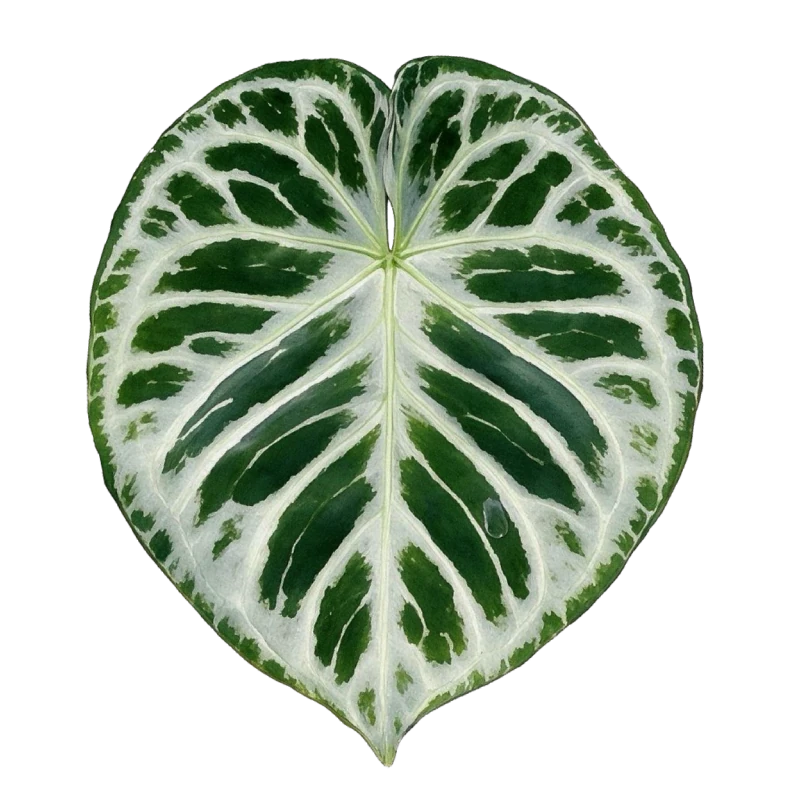
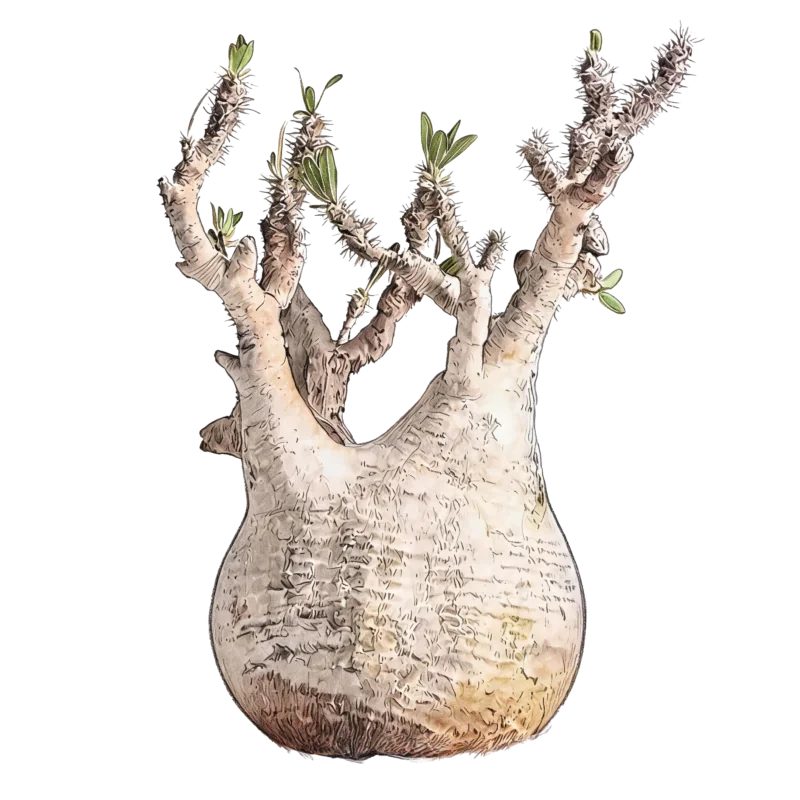
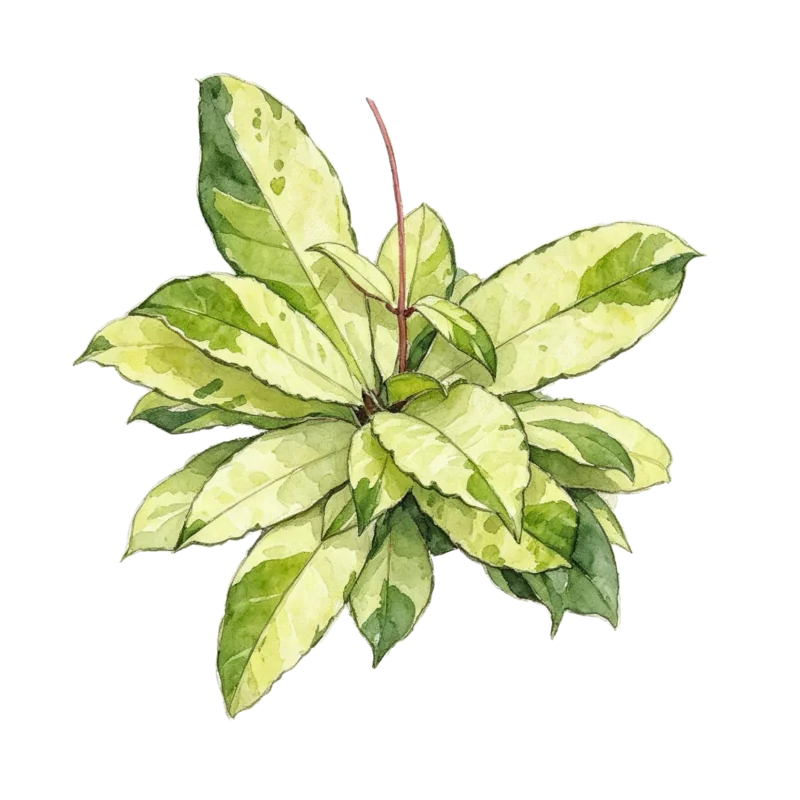
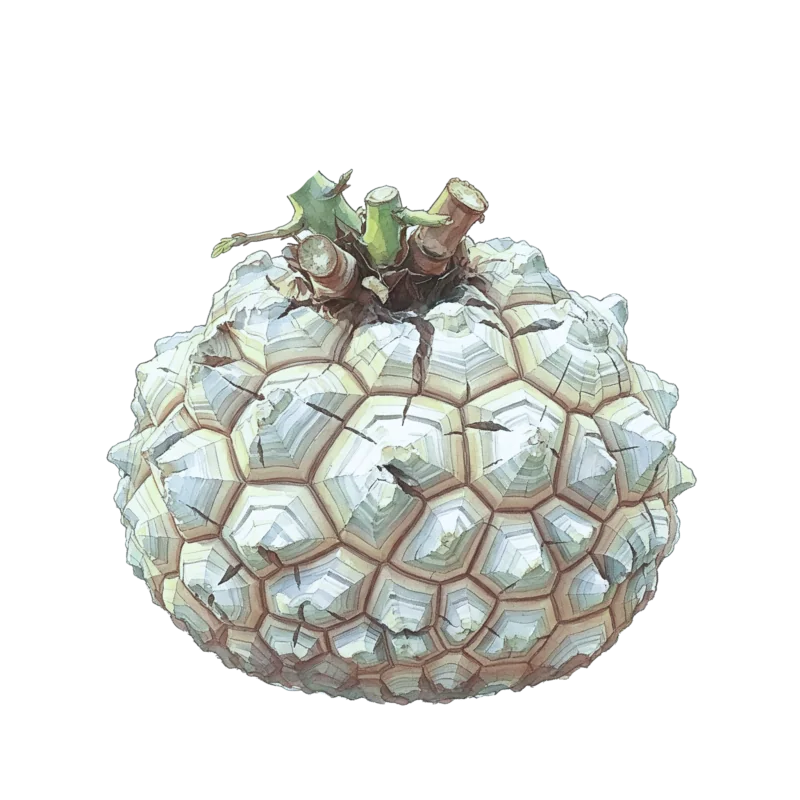
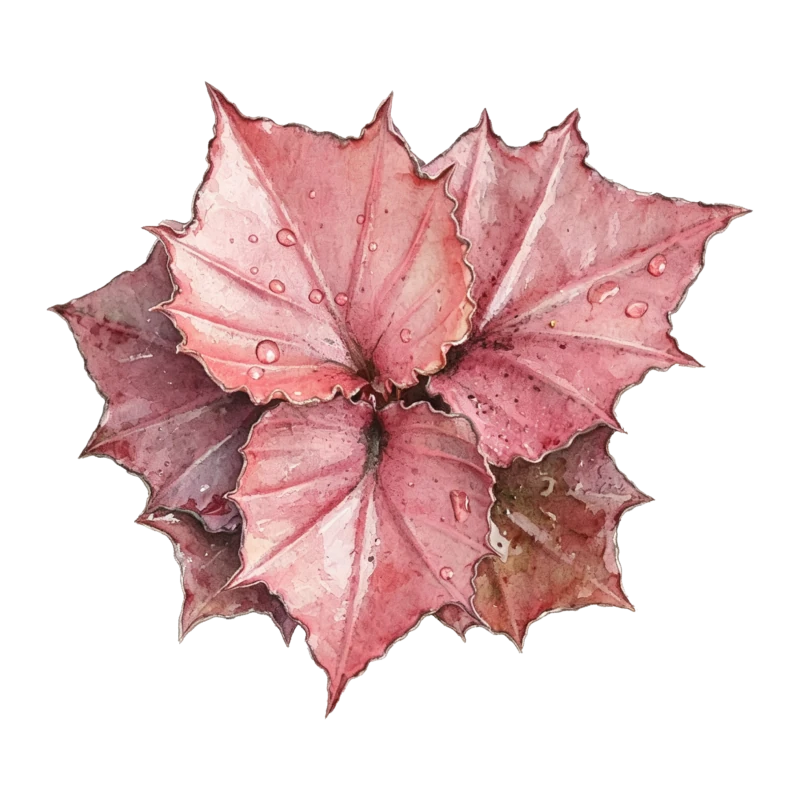
Group however you like, and pick a cover from 100+ hand-drawn plant illustrations.

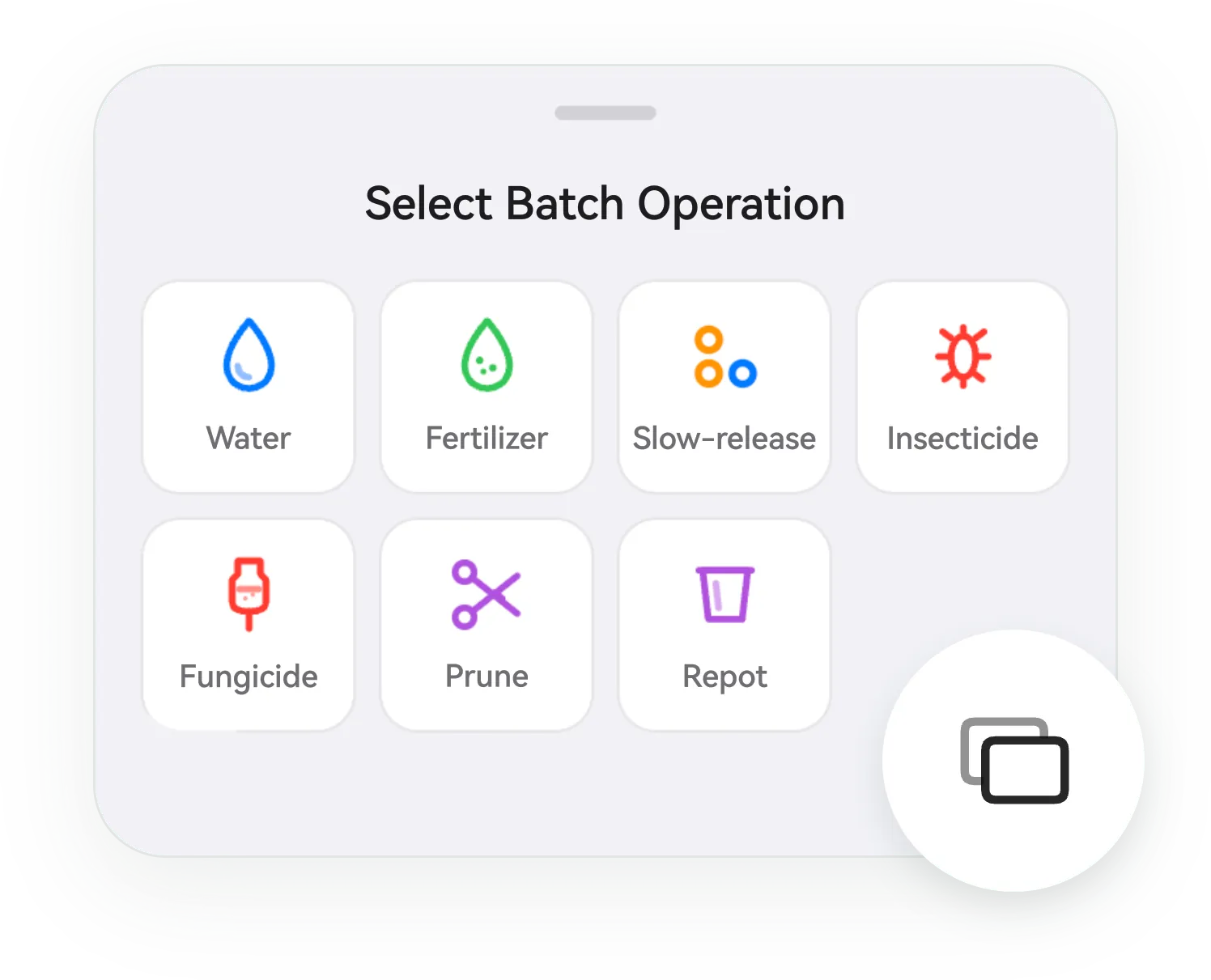
 Watering
 Liquid
 Slow-release
 Pest control
 Fungicide
 Pruning
 Repotting
 Sowing
 Cuttings
 Division
 Sunlight
 Airflow
 Rain
Rain Temperature
Repot, prune, treat… add whatever you actually do.
With many plants, this saves the most time.
iOS widgets and HarmonyOS service widgets, both crafted with care.
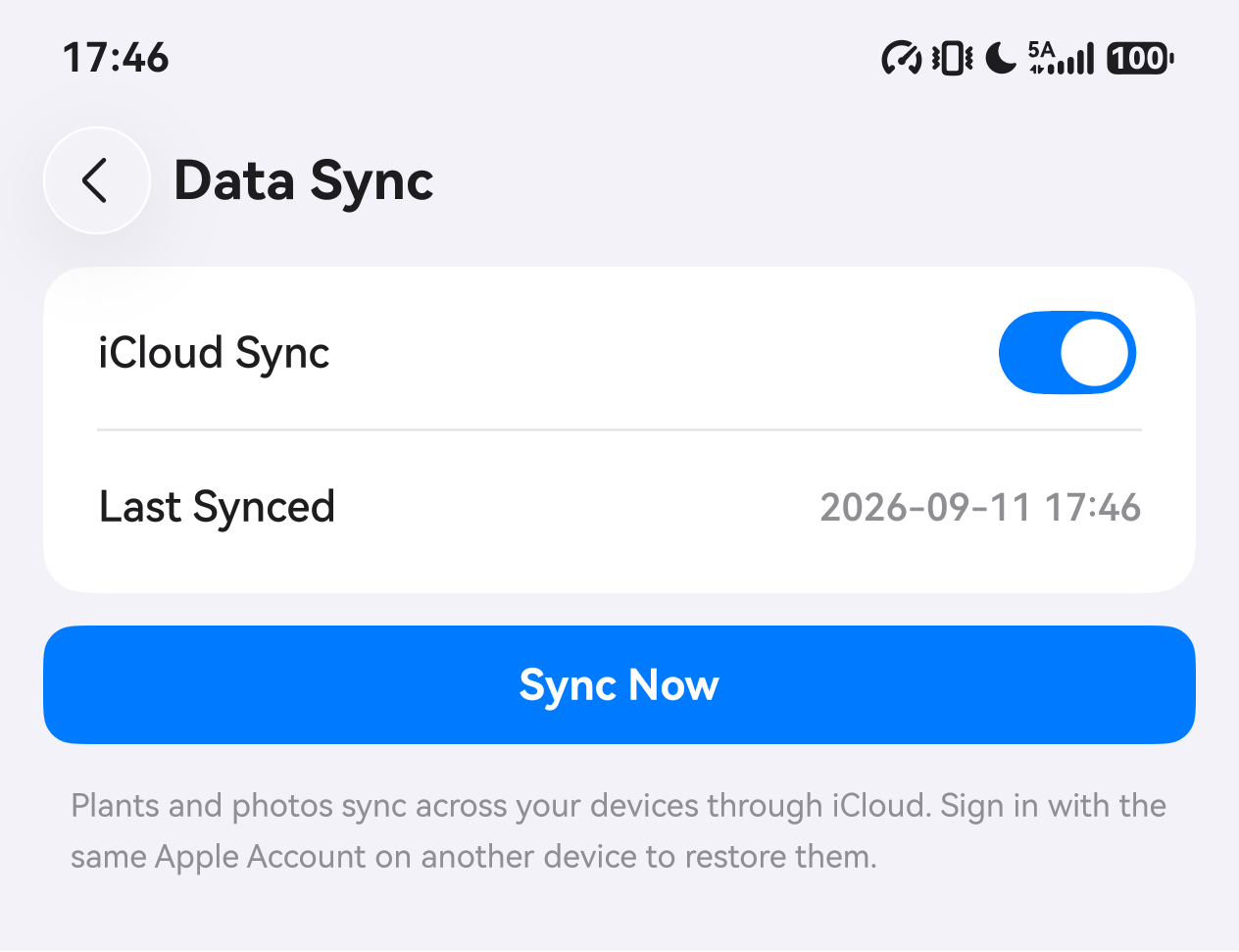
iOS syncs via iCloud, HarmonyOS via HUAWEI Cloud. Plants, logs, and photos live in your own cloud.
Unfold into a two-column wide-screen experience — not a stretched phone UI.
We rebuilt the interface around each platform’s new materials instead of skinning the old one.
Can’t find your answer? Email info@inflorapp.com
No — by design. A reminder implies “it’s time”, but when to water depends on your environment and soil. inflora simply shows how long it’s been; the judgment stays yours.
The free tier holds up to 20 plants with full features. Beyond that, upgrade to Premium at $19.99/year for unlimited plants.
In your own cloud: iCloud on iOS, HUAWEI Cloud on HarmonyOS. Sign in on a new device and everything restores; multiple devices stay in sync.
No. Apart from purchasing a subscription, everything works offline.
Watering, liquid and slow-release fertilizer, pest control, fungicide, pruning, and repotting work out of the box — plus your own custom care types, each tracked separately.
No need. Switch it to “archived”: photos and history stay, it just leaves the active groups. To truly remove it, deleted plants go to Recently Deleted first.
Because we do one thing: quietly string your care history together. Judgment is yours — not outsourced to an algorithm.
iOS 26 and later; HarmonyOS 6 and later.